03/2016 – UM-MT-EN-01 115
8.6.2 Europe
To access the LCD programming options:
1. Turn the TV on.
2. With the TV on and in the correct input mode (either DTV or ATV input), hold down
the ENTER button and press the BACK key.
This opens the TV menu screen.
Release both keys when the menu appears.
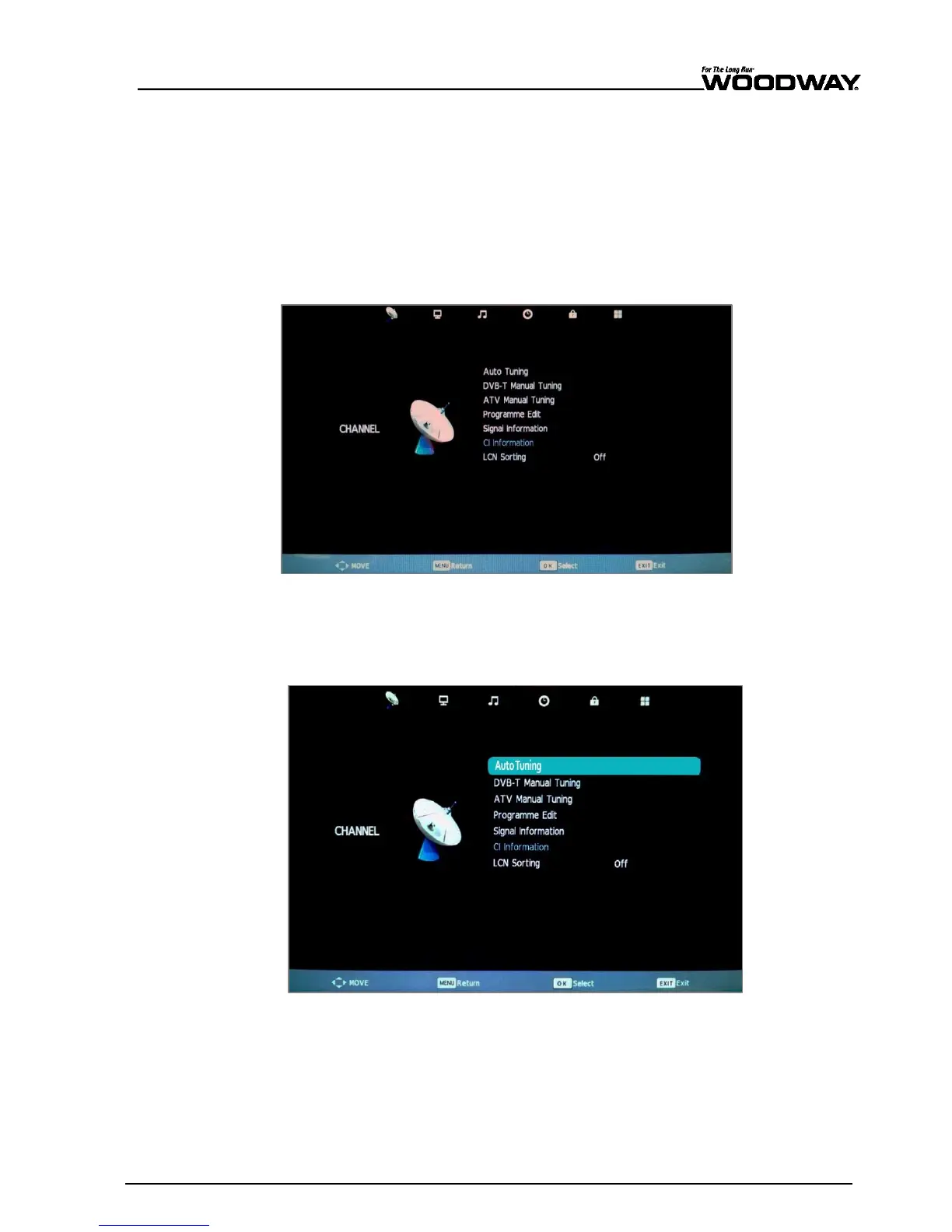
3. Press VOL [+] to move across the menu screen icons until you reach the
“CHANNEL” menu with the antenna icon (first icon).
Fig. 109 TV configuration screen, Europe
4. Press the CH [-] button to enter the menu and highlight the “AUTO TUNING” option
(first line).
Fig. 110 TV source screen, auto tuning
5. With “AUTO TUNING” highlighted, press the ENTER key to enter the tuning menu
(upper right-hand corner of the screen).





 To Next Page