03/2016 – UM-MT-EN-01 73
7.8.3 Quick Start Display Parameter
The time is counted up from zero, the speed starts at 0.1 MPH and the distance traveled
and calories are accumulated. Speed is input directly by the user using either the
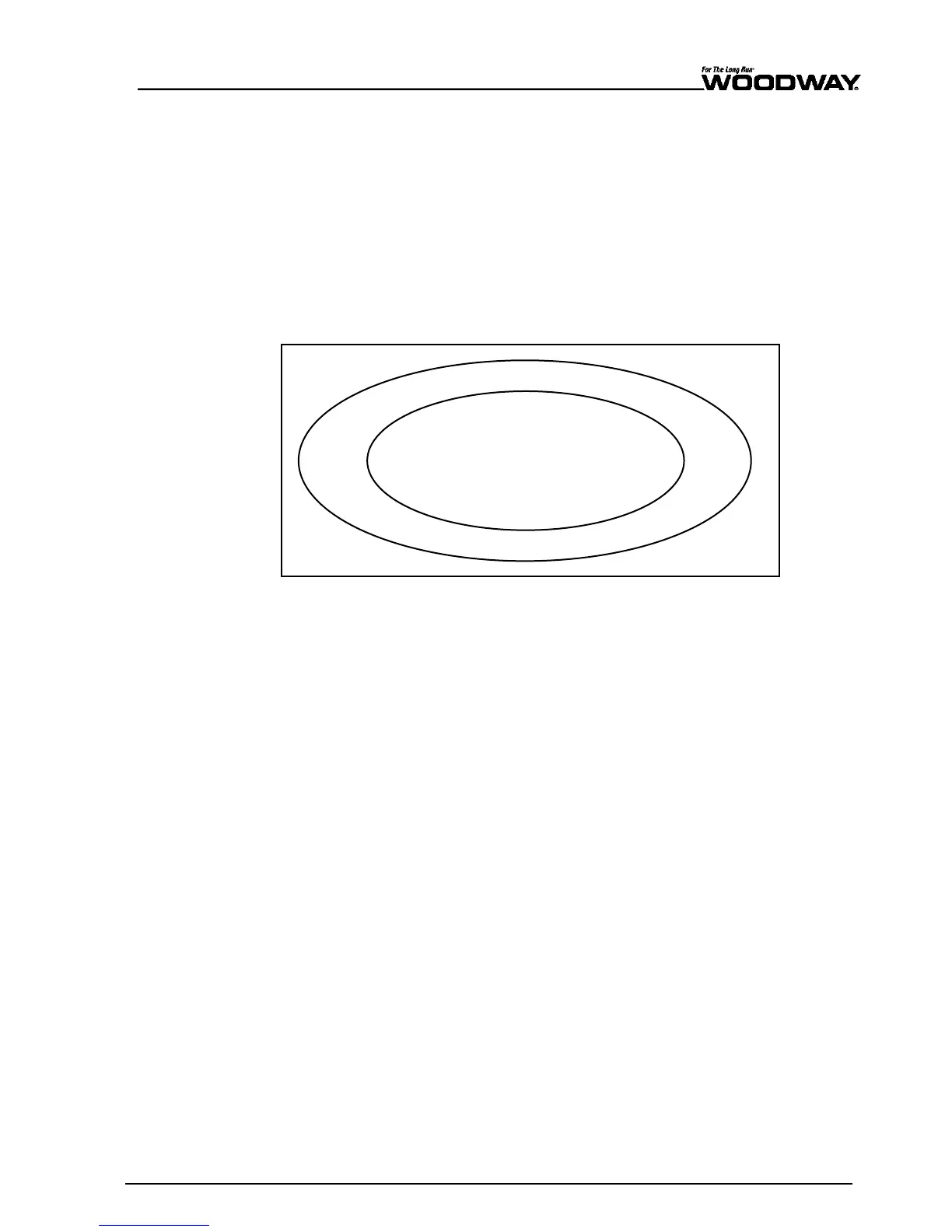
FAST/SLOW keys or the number pad. An oval ¼ mile (400-meter) track is displayed on
the LCD display. A blinking point which represents the user's position moves around the
track (counter-clockwise). In the middle of the track "Lap = 0" is displayed. Each lap
around the track represents ¼ mile (400 m). The lap counter counts each completed
lap.
During training in user defined mode, the user can change the incline using the
UP/DOWN incline keys, and the speed using the FAST/SLOW speed keys. The user can
interrupt the training at any time by pressing the PAUSE key.
The user course is laid out as shown in the following figure:
Fig. 68 User-defined track
When the user presses the PAUSE key, the treadmill slows to a stop. The following
information is shown on the LCD display: "Treadmill Paused. Press PAUSE to resume".
The statistics are paused when the PAUSE key is pressed. When the user presses the
PAUSE key again, the workout resumes. The CLEAR key is activated during the pause.
Pressing the CLEAR key will reset all of the treadmill statistics.
The statistics are displayed in the bottom of the screen throughout the training. It dis-
plays the information PACE, CALORIES, CAL/HOUR, VERTICAL, and METS.
7.8.4 Starting a Training Program
Before starting a training program, it is advisable to consult a certified training profes-
sional or doctor. The program setup is started by pressing the FITNESS PROGRAMS but-
ton on the left side of the screen (or by selecting this option in the main START menu).
Once you are in a program, you must use the number keys or the FAST/SLOW keys to
set all required values. Scroll to change fields.
The program profile and the program title are displayed in the LCD display. The standard
difficulty level 1 is displayed. The program profile is initially displayed at a higher level in
order to better recognize the process. The desired difficulty level can be entered using
the number keys. When selecting a difficulty level, the user should consider his current
level of fitness and training goals. The current training level can be deleted using the
CLEAR key. When the user has finished entering the desired training level, press the
scroll key to confirm the entry and enter to the next value.
The program time must be entered. The default time of 20:00 is displayed. The user can
enter the desired training duration using the number keys. The current time can be
deleted using the CLEAR key. When the user has finished entering the desired training
duration, press the scroll key to confirm the entry and enter to the next value.
Next the user's weight must be entered. For a quick start, the user can bypass the
weight menu by simply pressing the FAST key and accepting the standard weight of 150
lbs. (70 kg). He can then start the user-defined training or enter a weight using the key-
Entering the
Difficulty Level
1 lap = ¼ mile





 To Next Page