38 03/2016 – UM-MT-EN-01
Alternatively, the treadmill can be switched off by pressing the OFF key. When the de-
vice is switched back on it will automatically be in normal operating mode and dynamic
mode will be deactivated.
5.4.2 Dynamic Mode: LCD Personal Trainer Display Board
To enter dynamic mode, proceed as follows:
1. Reduce both SPEED and INCLINE to zero and step onto side rails.
2. Press and hold the FAST and SLOW keys simultaneously.
3. The display emits 3 tones. Continue holding the FAST and SLOW keys for 5 seconds.
4. Afterwards, one longer tone will sound.
5. The center LCD display shows “Dynamic Mode”
Now the treadmill is set to dynamic mode. The running surface belt is now manually
driven and the speed is still indicated. The incline also functions.
To leave dynamic mode, proceed as follows.
1. Reduce INCLINE to zero and step onto side rails.
2. Press the FAST key once to exit dynamic mode.
Dynamic mode is now deactivated.
Alternatively, the treadmill can be switched off by pressing the OFF key. When the de-
vice is switched back on it will automatically be in normal operating mode and dynamic
mode will be deactivated.
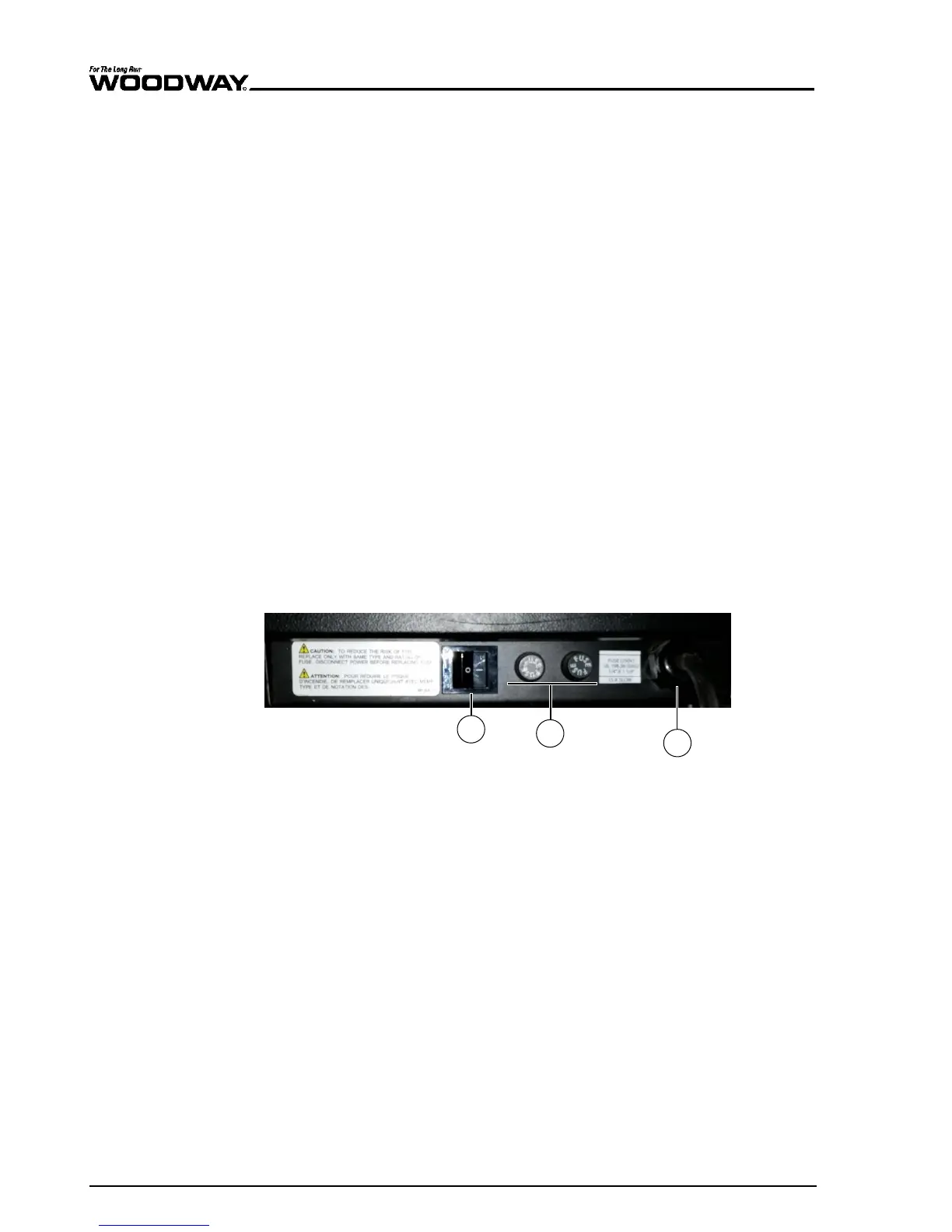
5.5 Power Console
The main power switch, the fuses, and the terminals for optional controls (manual key-
board and display) are located on the power console.
Fig. 12 Power console
1. Power switch
2. 2 x fuses (to change, see Section 9.6 Page 127)
3. Power cord





 To Next Page