03/2016 – UM-MT-EN-01 65
7.4 Switching Device On/Off
Ensure that NO emergency stop button or emergency stop mushroom is
engaged. The emergency stop magnet with pull-cord must be attached to
the field marked for this purpose.
The device cannot be operated without releasing the emergency stop func-
tion and attaching the magnet to the magnetic switch.
Danger of Device Moving Down When Switched On!
If the treadmill was in the inclined position prior to being switched off dur-
ing previous use, the device will automatically move back to the neutral
position (0% incline). There is a danger of injury.
► No one may be located in the area in front of the treadmill.
► No objects may be located under the treadmill.
► Check the position of the treadmill before switching it on.
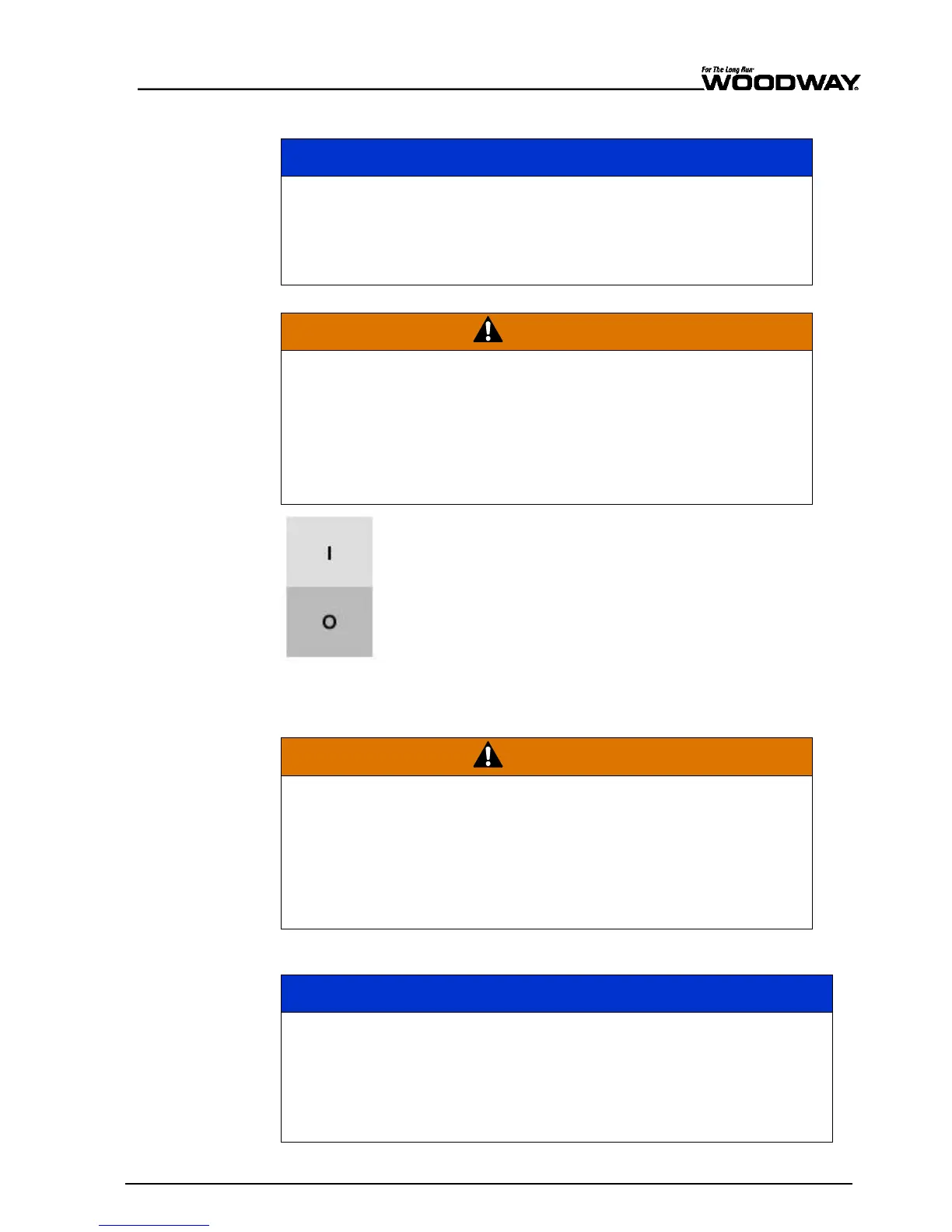
Fig.
60
ON/OFF switch
When training is finished, switch the treadmill off again via the switch on the display.
The device is in STAND-BY mode again.
Danger Through Speeding-Up of the Running Surface!
If the drive motor is stopped (e.g. by pressing the STOP button, emergen-
cy stop, or by power failure) when set at an incline, the weight of the user
(gravity) may cause the running surface to accelerate.
► Use special caution when stopping the drive motor when set at an in-
cline.
► Users must be made aware of dangers before use.
Switch the device off via the main switch on the power supply console when it will not be
used for a long time.
Do not move the running surface belt during the initialization phase (approx.
3-4 seconds). The movement can be interpreted as a device malfunction by
the control electronics and the device will switch off.
► Never step on the running surface during the initialization phase.
► Do not leave the device until it switches back into STAND-BY mode.
► Never leave the treadmill unattended while it is switched on.
To turn the device on, switch the power switch on the side of
device frame (on the right) from position "0" to "I". The tread-
mill is now in STAND-BY mode.





 To Next Page