116 03/2016 – UM-MT-EN-01
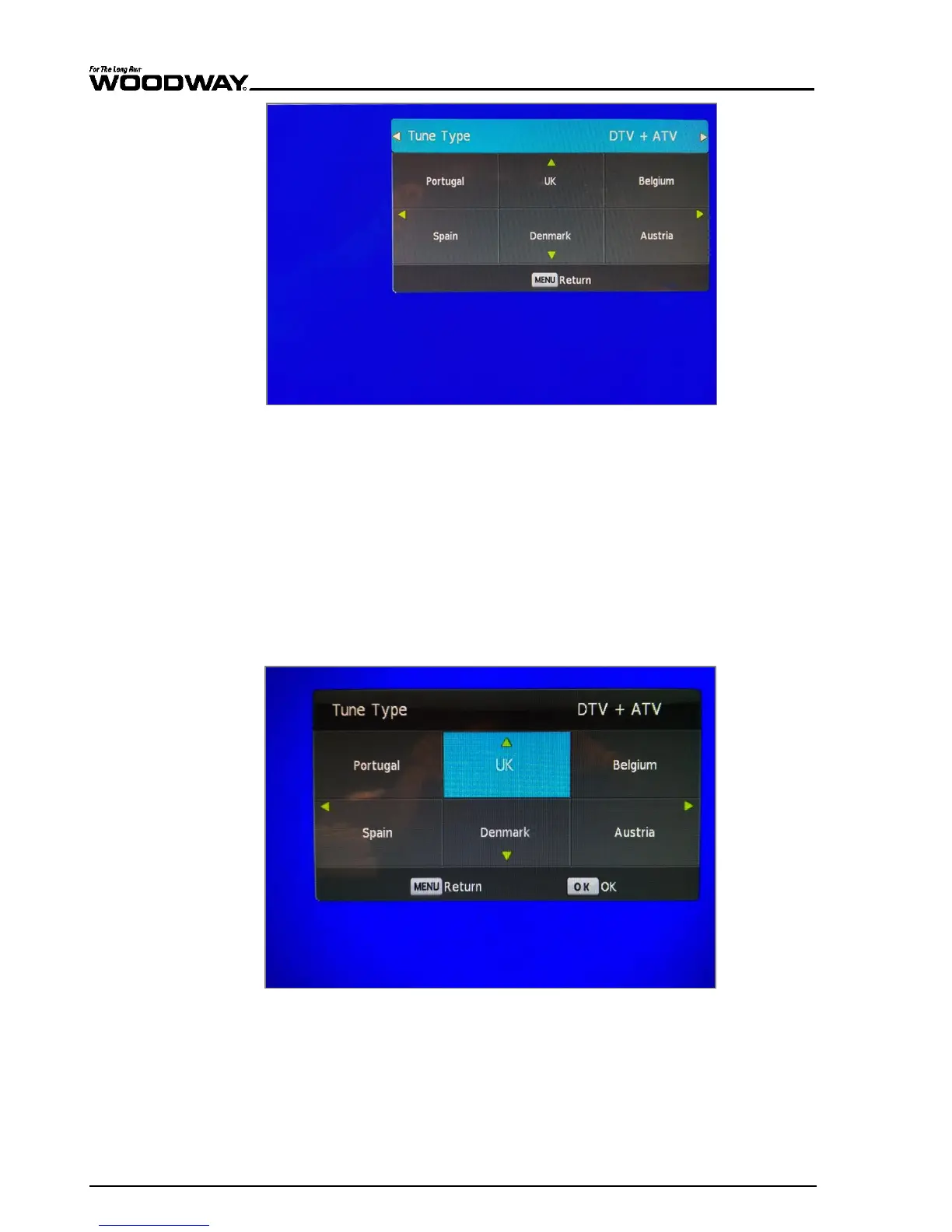
Fig. 111 TV source screen, tuning menu
6. Use the VOL [+] button to move through the different tuning options.
DTV (digital stations) only
ATV (analog stations) only
DTV and ATV
7. Press the CH [-] button to reach the country selection option of the menu.
“UK” will be chosen as the default country.
If this is correct, press ENTER to begin the scan.
If this is not correct, use either the CH [+][-] or VOL [+][-] buttons to navigate
to the correct country.
Press ENTER to select the appropriate country.
Fig. 112 TV source screen, country selection
8. The TV will then scan for available channels and the following screen will appear.
Once finished, the TV will tune to the first channel found.





 To Next Page