03/2016 – UM-MT-EN-01 99
Existing programs can be modified and personalized programs can be written, reset, or
erased.
1. Press and hold CLEAR button for 5 seconds until you hear a beep and the User Pro-
gram screen appears.
2. If modifying an existing program, use the scroll buttons to change fields (incline,
speed, time, and segments).
Values for each field can be changed using the numeric keys or the FAST/SLOW
speed buttons.
Each program has a max. of 40 segments.
When programming each segment, program in sequential order (i.e. do not skip
time between segments).
If the program is less than 40 segments, leave the remainder blank.
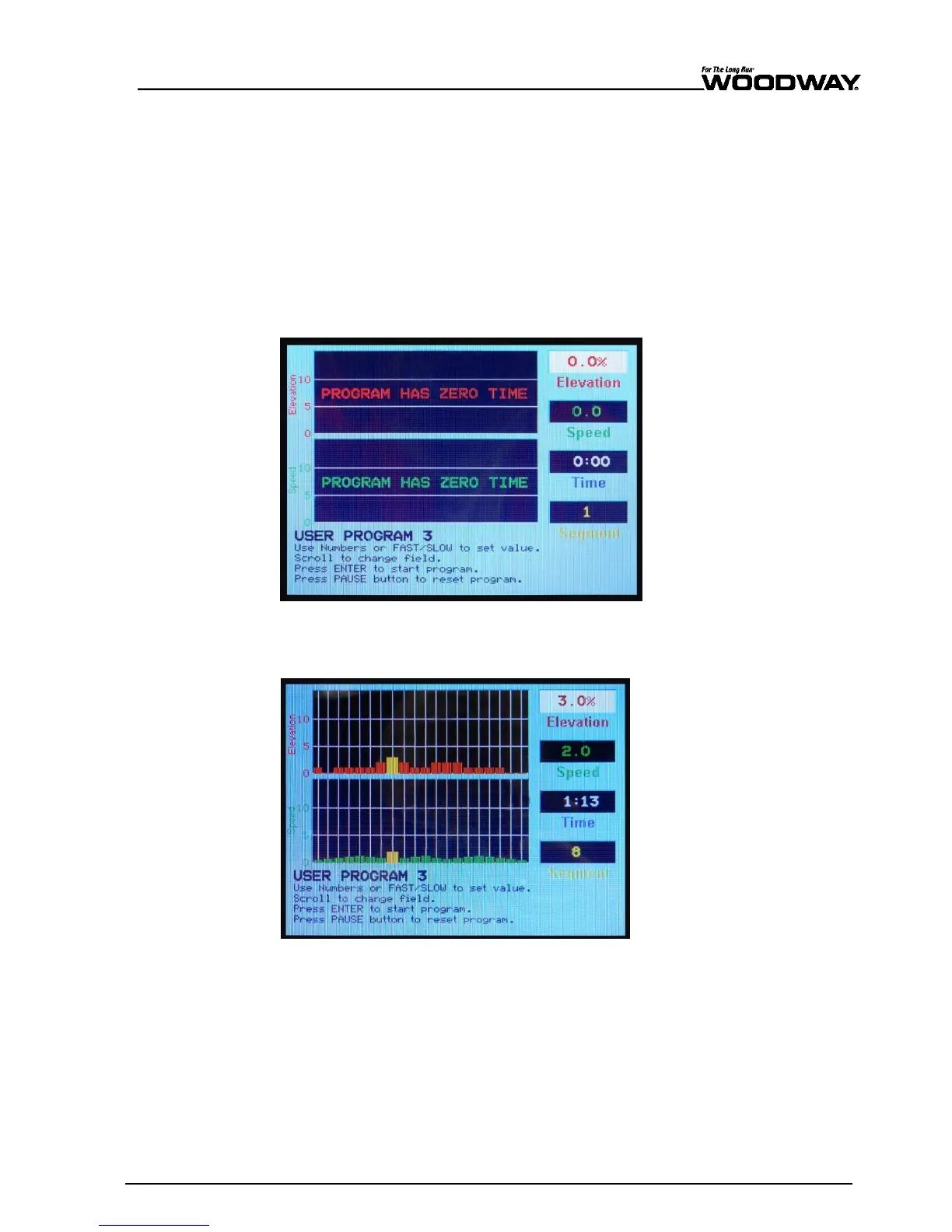
Fig. 95 Edit fitness program screen
3. Press ENTER once program details are entered to save program.
4. Press PAUSE to reset/erase the current program and write a new program.
Fig. 96 Example of customized fitness program screen
Once the fitness program has been edited and saved, the user can start training on the
customized program.
Enter user weight and press ENTER to begin program.
When workout is complete, press the OFF button to exit the Edit User Programs screen
and turn the treadmill off.
Simply press the FITNESS PROGRAMS key (or any other button in the menu) on the left
of the screen to bring up the MAIN MENU and make another selection.
Changing Programs
During a Workout





 To Next Page