76 03/2016 – UM-MT-EN-01
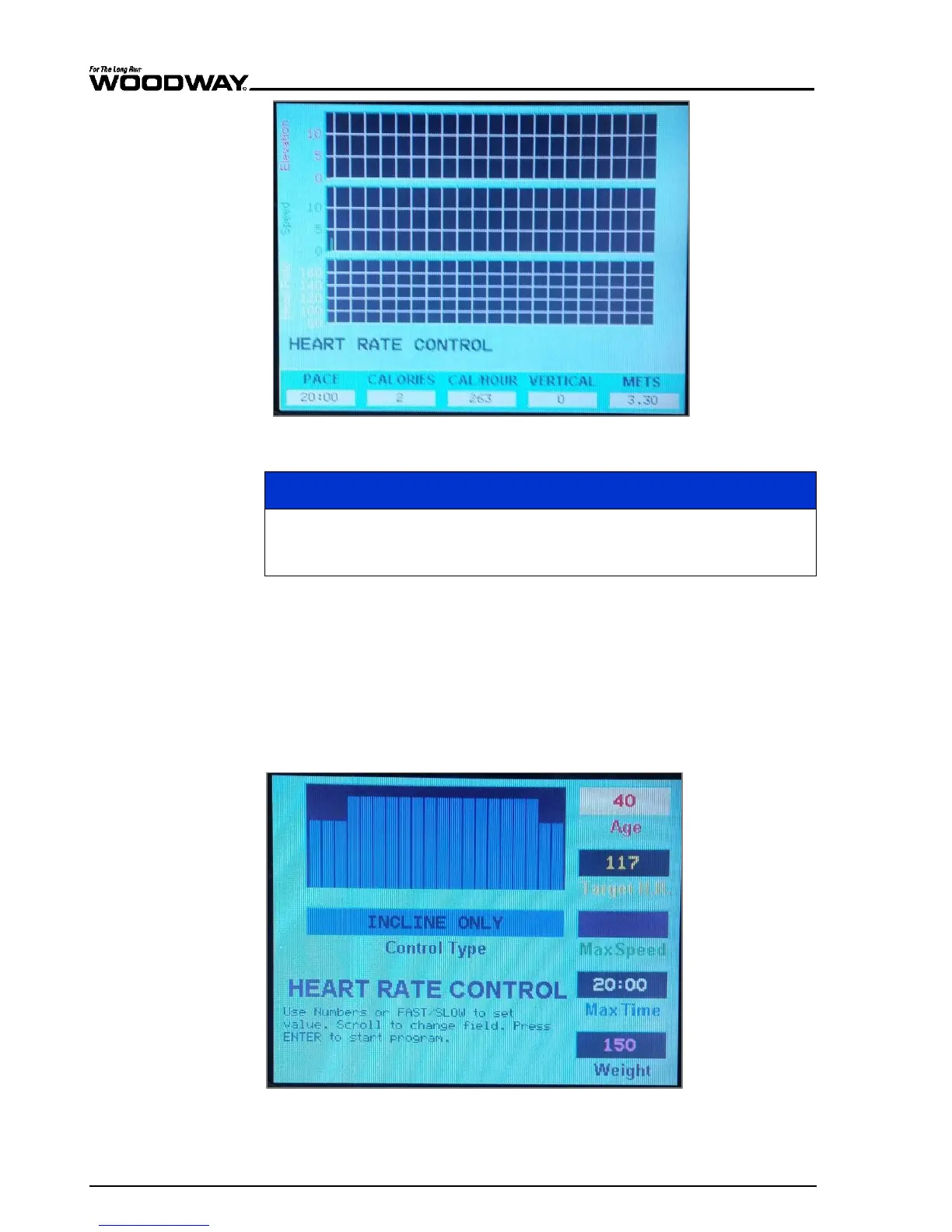
Fig. 70 Live data screen - Heart Rate Control
The value 0.1 MPH can be seen in the speed display. To actually start the
workout you must manually select the speed of the device. The heart rate
program will take over control of the speed after a few seconds.
While using the program, the user can change the incline and speed. The target heart
rate can be changed at any time while the heart rate program is being executed. The
user can enter a new target heart rate using the number keys. Press the CLEAR key to
delete the newly entered target heart rate. Press the ENTER key to confirm it.
Only one of the heart rate program types can be used during training. The user selects
the desired algorithm during program setup.
This program only controls the incline. The user selects the speed.
Fig. 71 Heart Rate Control - Incline Only
Heart Rate Control,
Incline Only





 To Next Page