Data storage
202
Displaying
measurement data
records
numerically
With the following function you can output manually stored
individual data records or AutoStore data to the display.
Filters help you to select individual data records according
to the following criteria:
l Number of the storage location (Mem No.)
l Identification (ID)
l Date and time of storing
1 Use r to call up the manual measurement data
record memory (man mem).
The first data record that meets the selected criterion
is displayed.
2 Call up further measurement data record memory
with
r.
The measurement data record memory locations are
called up in the order, Mem man - Mem auto 1 - 2 -
3 - 4.
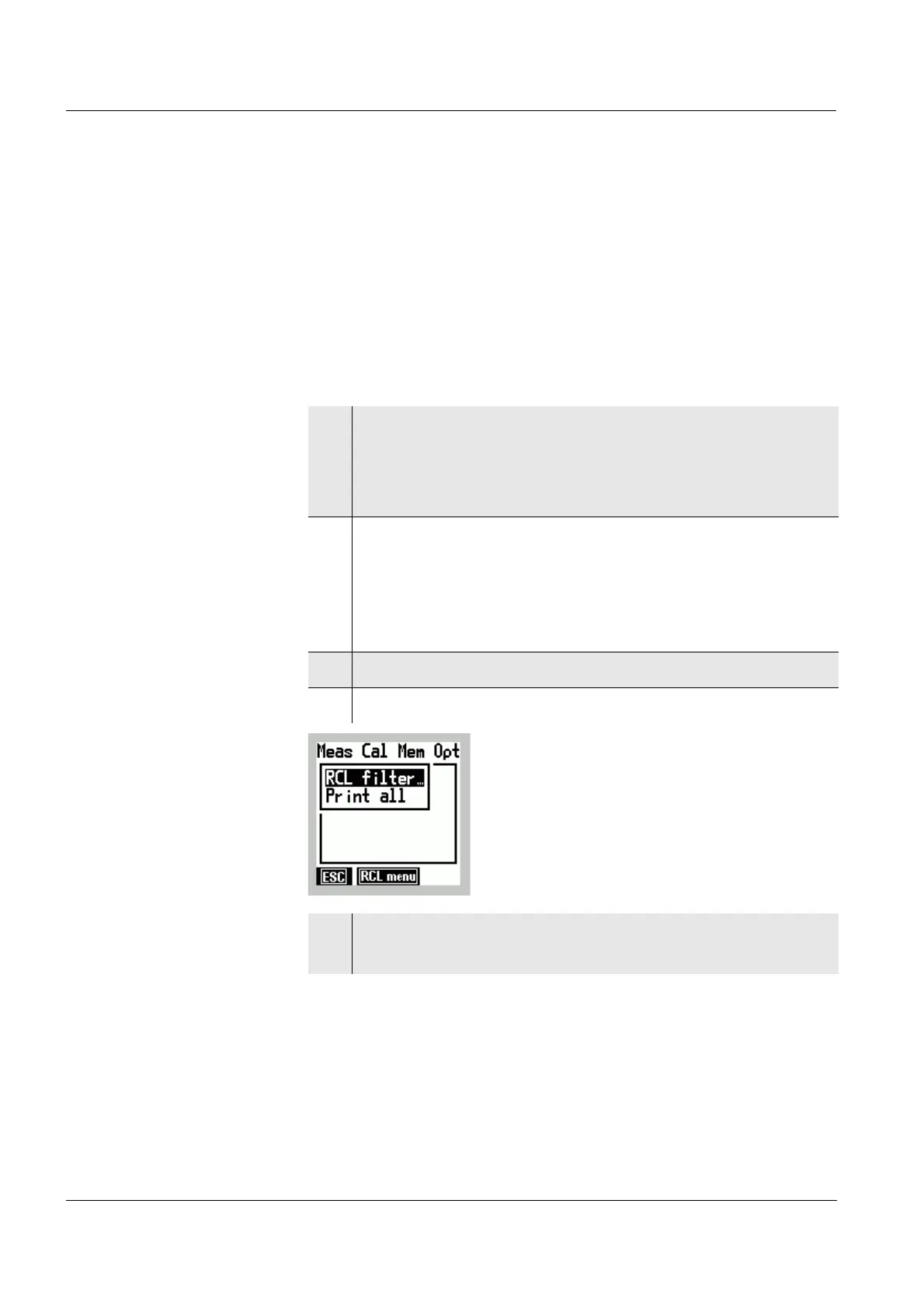
3 Call up the RCL menu with [RCL menu].
4 Select the RCL filter menu item with
82.
5 Confirm the RCL filter menu item with g.
The RCL filter input window is open.


 To Next Page