Multi 3620 IDS Operation
ba77169e01 04/2016 22
Changing the
password
If the administrator has set up the access with password protection:
2 Using <><>, select the menu item, User name and confirm with
<ENTER>.
The user name is highlighted.
3 Using <><>, select a user name and confirm with <ENTER>.
The login is done immediately if no password is required.
If a sensor is connected the measured value display appears.
4 If a password is required:
Using <><>, select the menu item, Password and confirm with
<ENTER>.
The user specifies the password when he or she first logs in with a
user name.
A valid password consists of 4 digits.
The user can change the password with the next login.
5 Change the digit of the highlighted position with <><>.
Switch to the next position of the password with <><>.
When the password was completely entered, confirm with <ENTER>.
The login takes place. If a sensor is connected the measured value dis-
play appears.
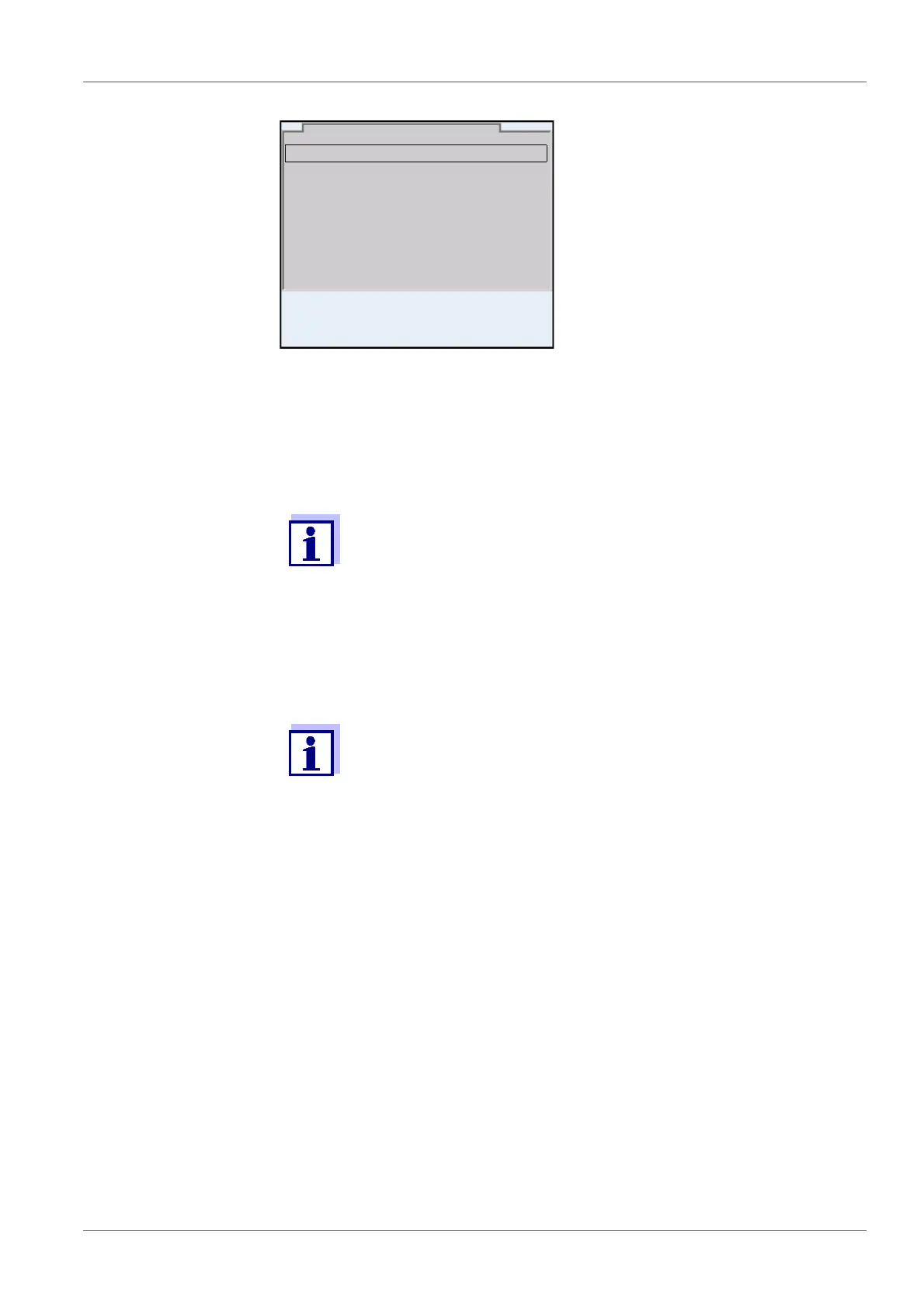
User name Admin
Password ####
Change password
Login
30.09.2015 08:00
1 Switch the meter on with <On/Off> (or <On/Off_>).
The Login dialog appears.
2 Using <><>, select the menu item, User name and confirm with
<ENTER>.
The user name is highlighted.
3 Using <><>, select a user name and confirm with <ENTER>.



 To Next Page