OxiTop
®
Control OC 100 Commissioning
ba31114e06 06/2012 13
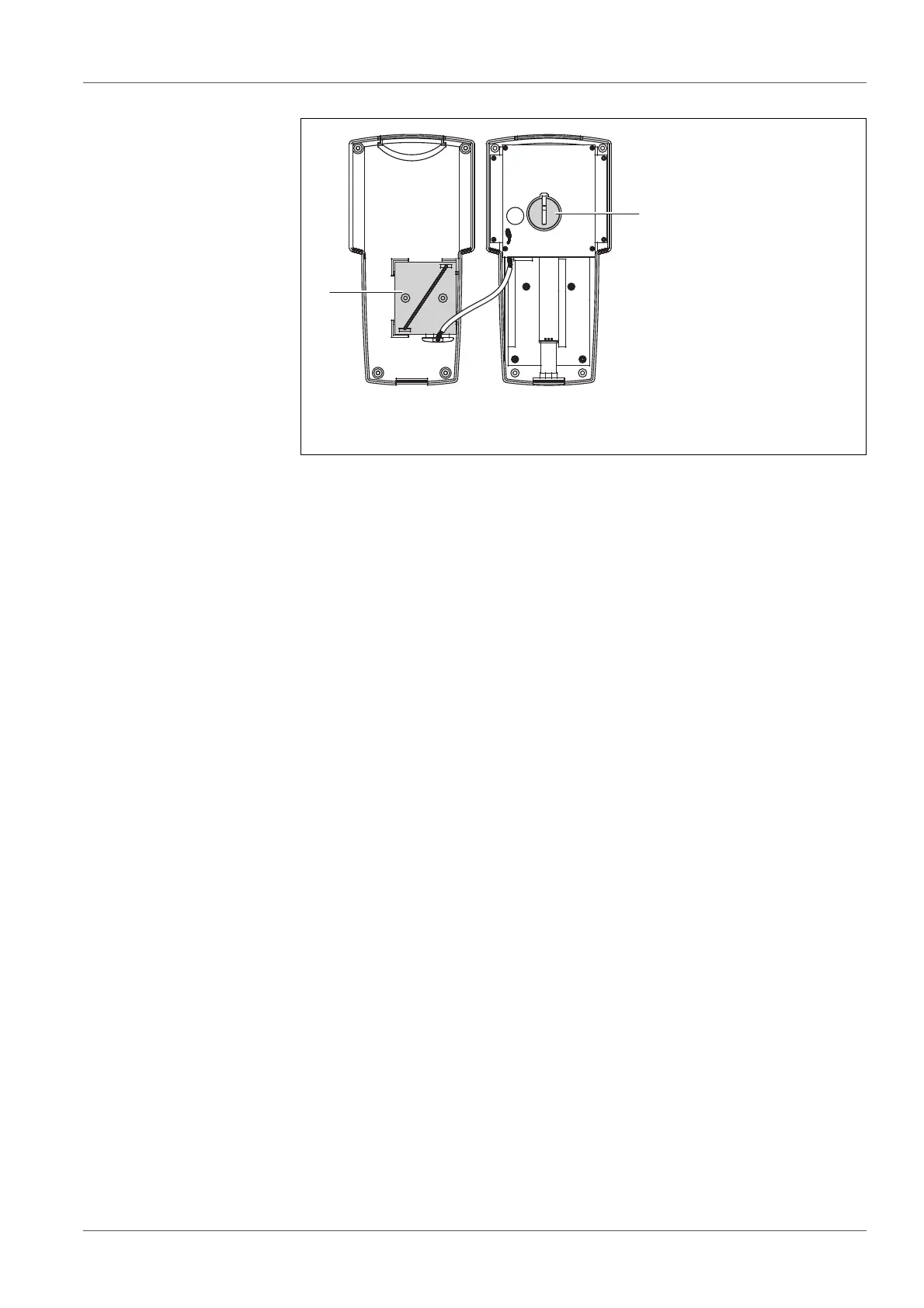
Set the upper case on top of the lower case, turn the controller and tighten
the housing screws using the screwdriver.
Switch on the controller. The battery insertion was successful if no error
message appears concerning the supply batteries.
1 Supply batteries in the battery holder (lower case)
2 Data backup battery (upper case)



 To Next Page