Printing OxiTop
®
Control OC 100
36 ba31114e06 06/2012
6Printing
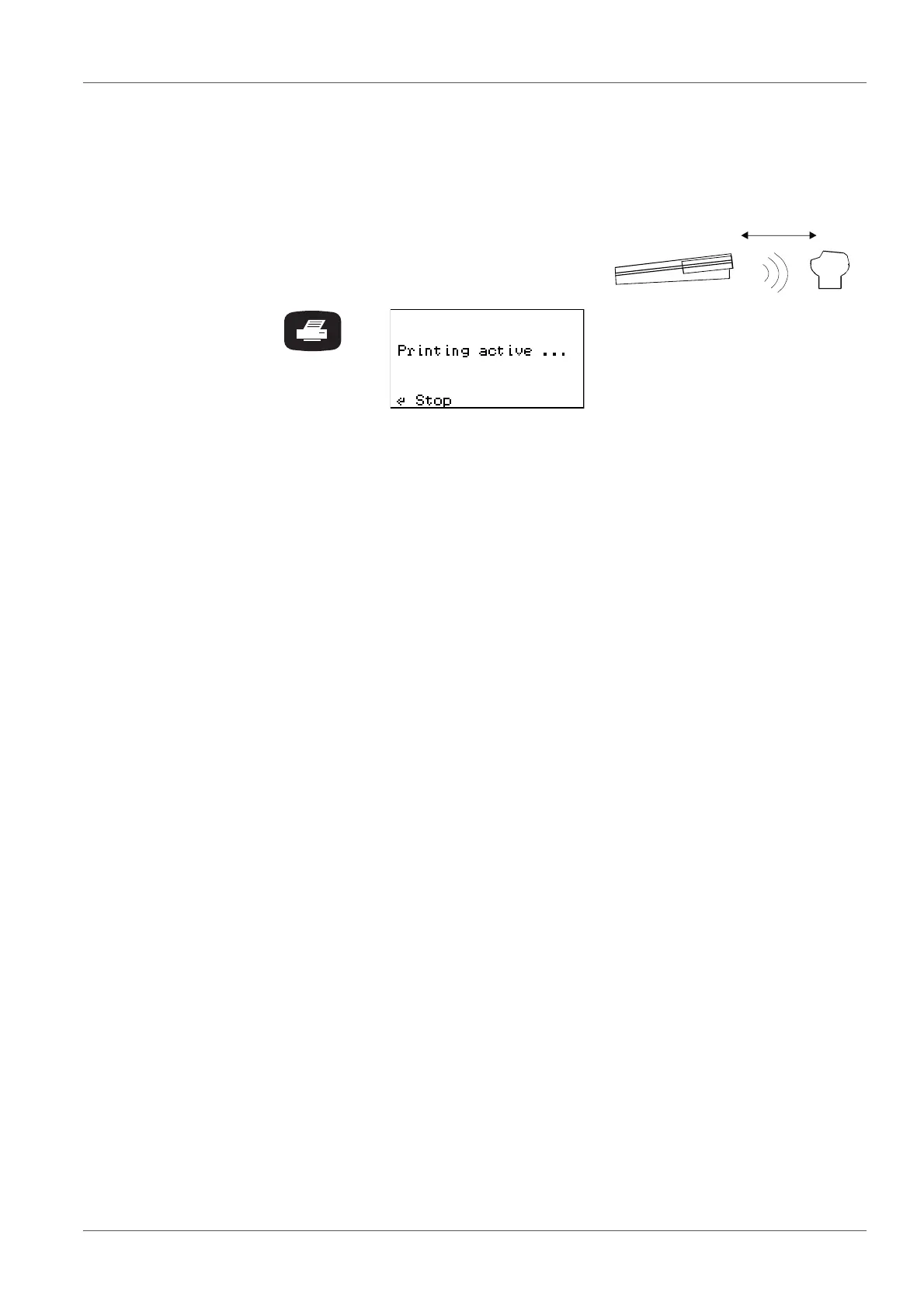
Switch on the IR printer.
Point the controller at the printer:
When printing from the SAMPLE STATUS TYPE list (sam-
ple management) or from the evaluation:
The controller transfers the report data of the selected sam-
ple to the IR interface.
Print date and print time
Sample number
Measured value: mean value, SD, n (with parallel samples)
or end value (with single samples)
Type and run duration, measurement range
Start date and start time, end date, ID number
If GLP is switched on: Note GLP On
If the AutoTemp function is switched on:
Note AutoTemp On
Curve(s) + BOD mean value or end value
With GLP On: List of the serial numbers of the measuring
heads
allocated to the sample (only when sample was started in
the BOD Standard operating modes)



 To Next Page