Commissioning OxiTop
®
Control OC 100
12 ba31114e06 06/2012
3.2.3 Energy saving feature (automatic switch-off)
The instrument switches off automatically following the last key actuation after
expiry of the set switch-off interval.
To set the switch-off interval: see section 7.4.8 S
WITCH-OFF INTERVAL, page 46.
3.3 Initial commissioning
Perform the following activities:
Insert the supply battery holder in the controller
(see section 3.3.1 I
NSERTING THE SUPPLY BATTERY HOLDER - CONTROLLER,
page 12)
Switch on the instrument
Set the date and time (see section 7.4 S
ETTINGS, page 40)
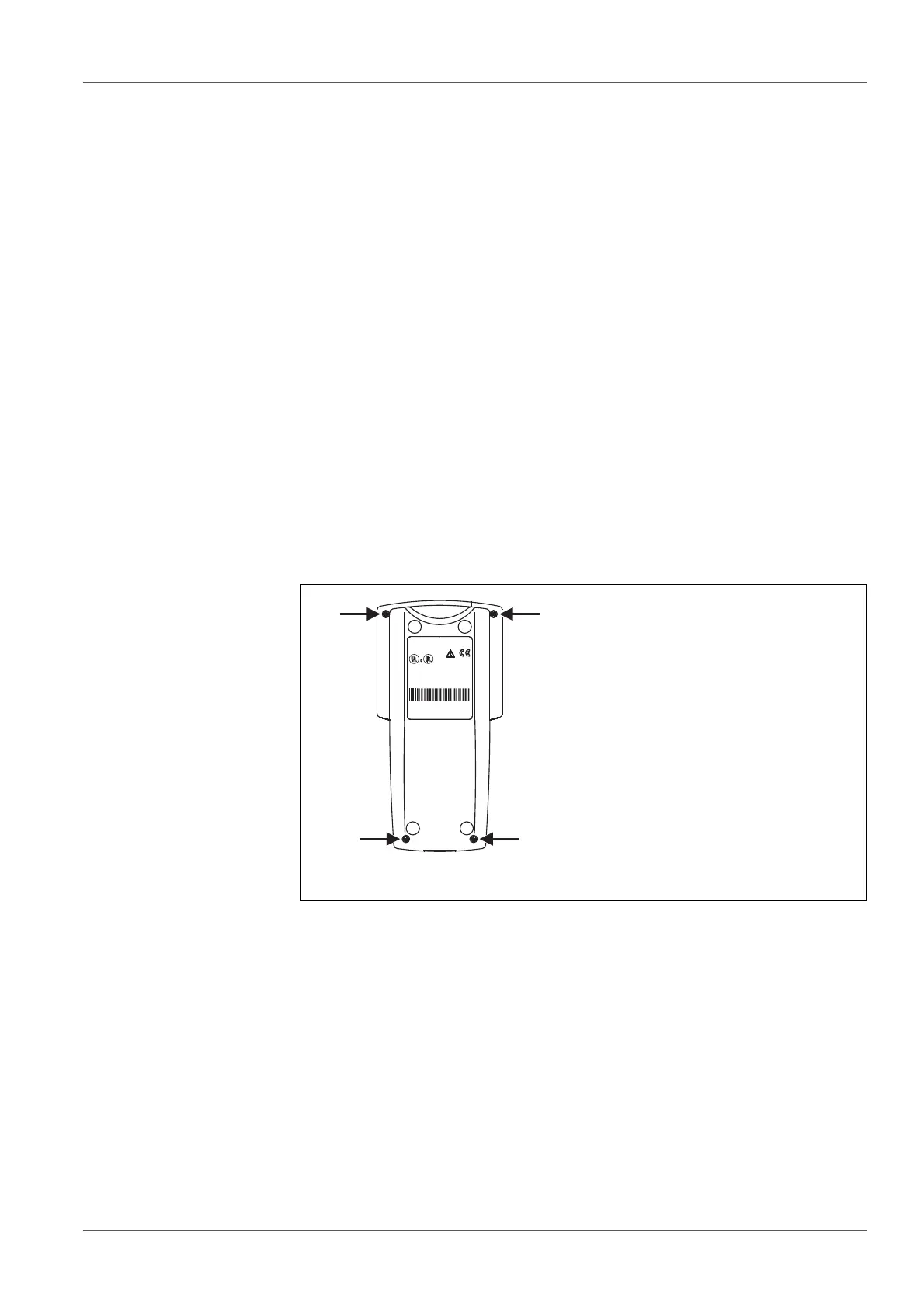
3.3.1 Inserting the supply battery holder - controller
Loosen the 4 screws underneath the housing using a Phillips screwdriver.
Place the controller on the lower case.
Remove the upper case and put it down to the right next to the lower case
with the display downwards.
Connect the supply battery holder with the power supply contacts of the
upper case.
Insert the supply battery holder in the lower case with the open side down.
1Screws
LISTED 8F93
Laboratory Equipment
E163694
This device complies with Part 15 of the FCC Rules. Operation
is subject to the following conditions: (1) This devise may not
cause harmful interference, and (2) this devise must accept
any interference received, including interference that may
cause undesired operation.
Ser.-Nr.:05150013
Oxi Top OC 1x0
WTW 82362 Weilheim
Made in Germany
1x CR 2430 Lithium
3x Alkaline, AAsize, 1,5V
1
1
1
1



 To Next Page