OxiTop
®
Control OC 100 Operation
ba31114e06 06/2012 17
4.3.2 Menus, functions and dialogs
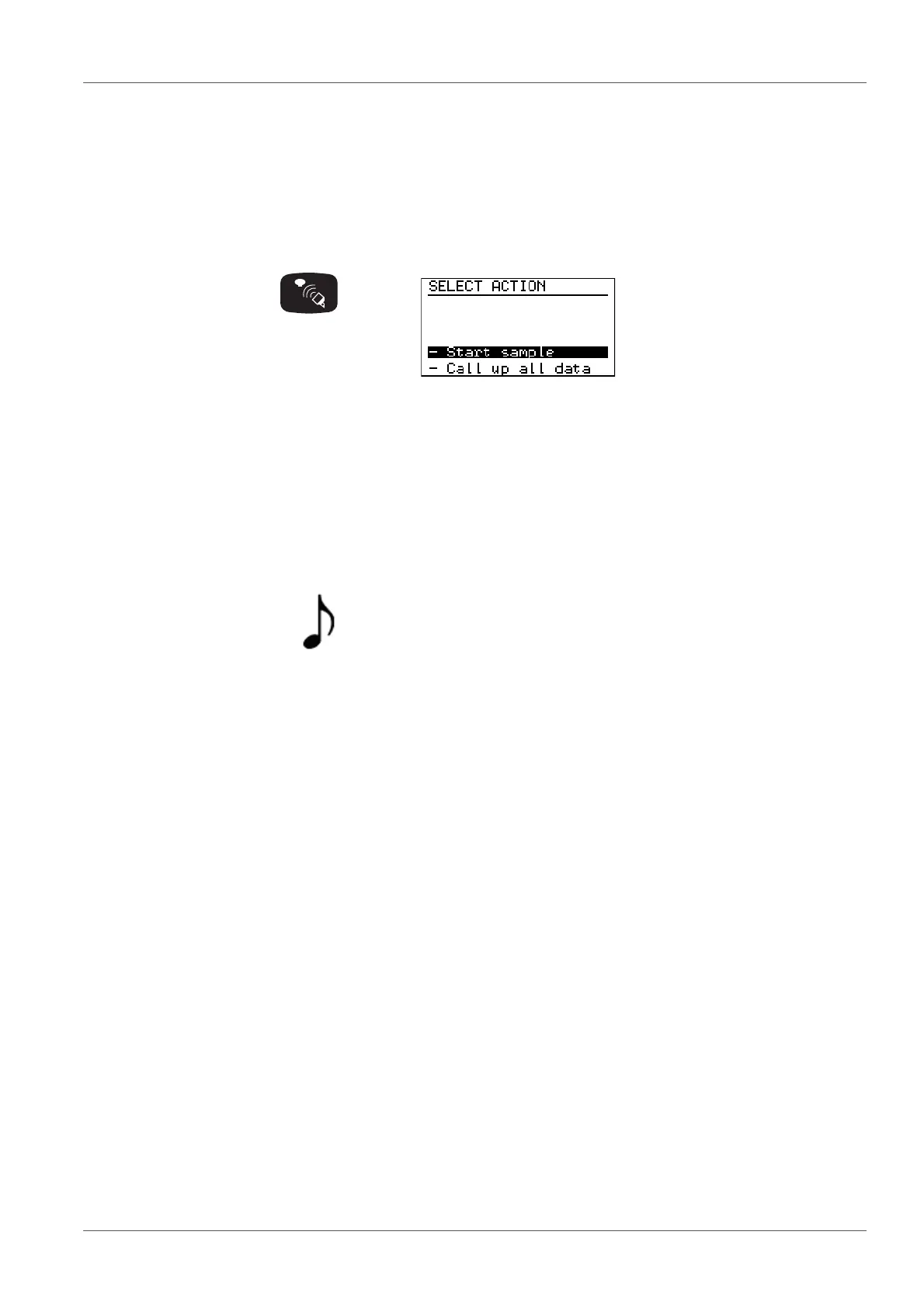
Example: Pressing the <COMM> button causes the controller to change to the
SELECT ACTION menu (communication with the measuring heads).
Signal tone
Measuring head Each measuring head that receives a command from the controller indicates
this by a short flashing signal.
The OxiTop
®
-C measuring head is indicated with the symbol
Action:
Press button. The instrument displays:
Description of what the
action caused and possible
further request:
SELECT ACTION menu
(communication with the mea-
suring heads):
Preselected: -Start sample.
Select a menu item with
<><>.
The selected function or line is
displayed in inverse video.
Confirm the menu item with
<RUN/ENTER>.
The submenu is opened or the
function is carried out.
This symbol in the operating manual means:
A signal tone sounds.



 To Next Page