GLP/TOOLS OxiTop
®
Control OC 100
58 ba31114e06 06/2012
The controller returns to the
RESTORE DATA menu.
Perform this procedure for every
measuring head with a mea-
surement running, without
leaving the RESTORE DATA
function.
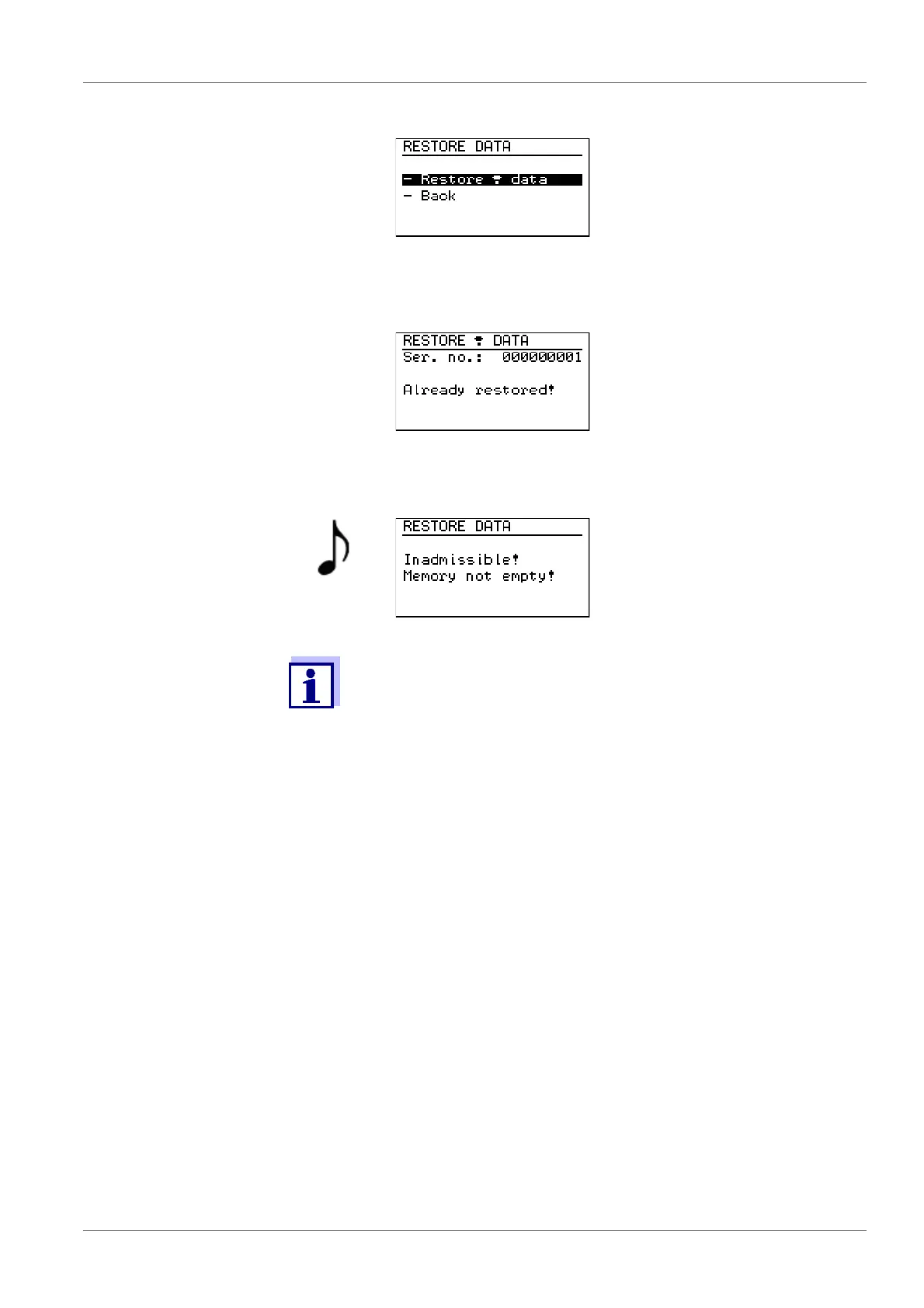
If the data of a measuring head were already restored the following is dis-
played for approx. 3 seconds:
Then the controller returns to
the RESTORE DATA menu.
Perform the restoration with
another measuring head.
If the memory of the controller is not empty the following is displayed for
approx. 3 seconds:
After this, the RESTORE DATA
menu is displayed again.
It is not possible to restore the
data with the controller. Contact
the WTW service department.
It is possible to restore the data of all running measurements if the
controller is in the BOD Routine operating mode. In the
SAMPLE STATUS TYPE list (sample management), however, only
the samples that were started in the BOD Routine operating mode
are displayed in this case. To have all samples shown, switch over
to another operating mode (see section 7 GLP/TOOLS, page 38).



 To Next Page