21
.
Setting the Date and Time
Set the date and time so that they appear correctly when you’re reviewing the
images with your camera.
Set Up
1
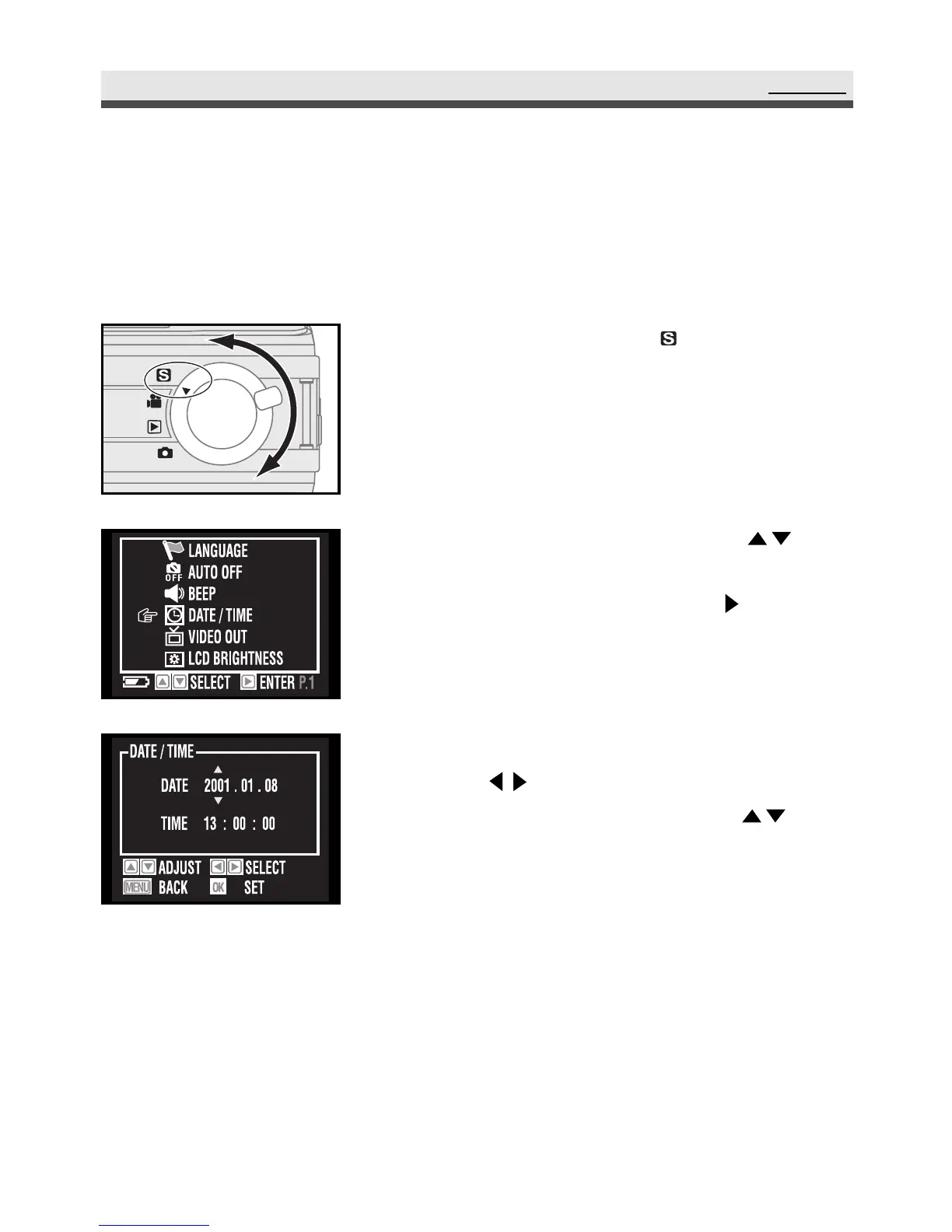
Rotate the mode dial to "Set up".
2
Scroll through the menu by using on
the four-way key and move to "Date/Time".
Enter the submenu by pressing on the
four-way key.
3
Move to the item you want to adjust by
using on the four-way key, and adjust
the value of the item by pressing on
the four-way key.
4
Press "OK" to confirm the setting.
Note: Date and time do not appear when you
print your pictures.



 To Next Page