58
Chapter 3: Reviewing Images and Video Clips
.
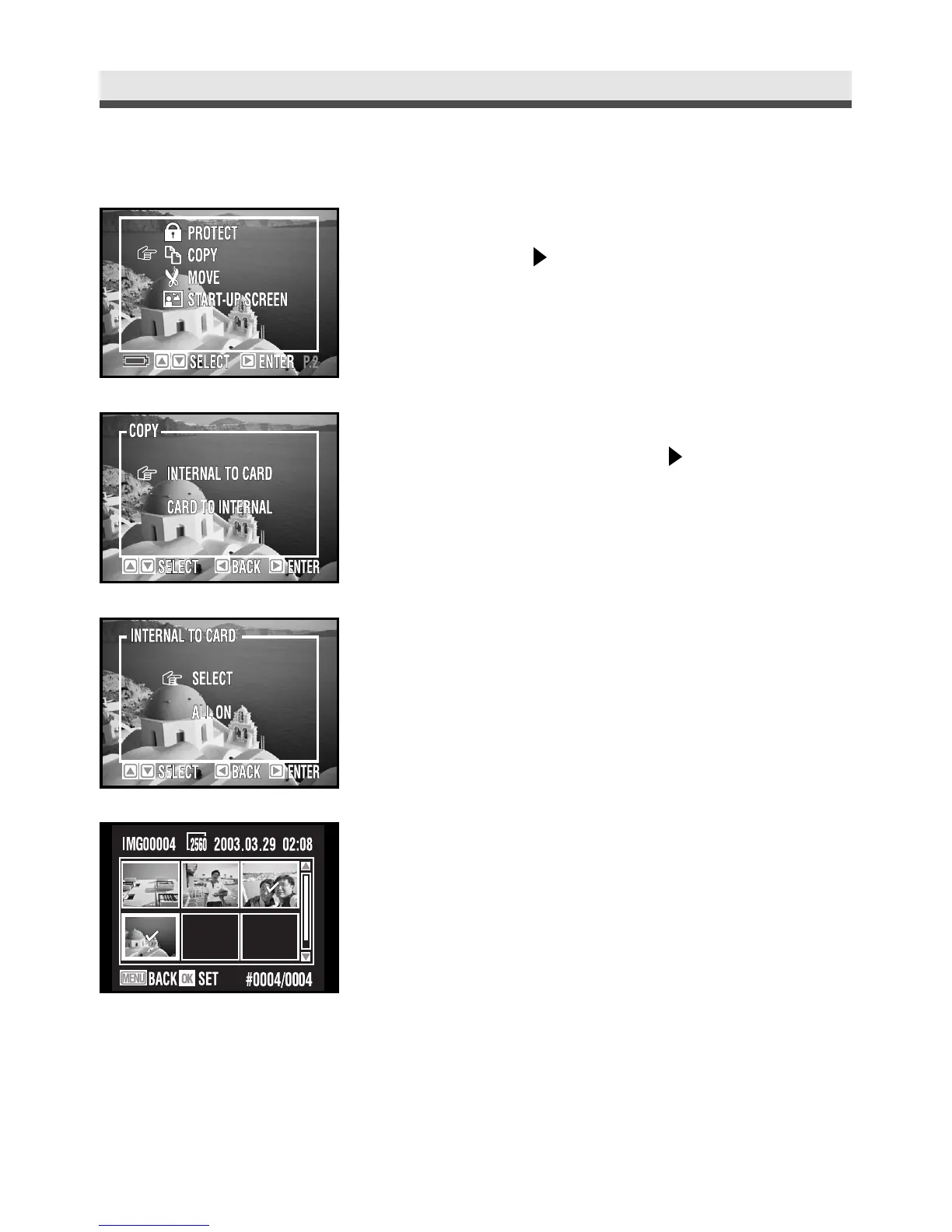
Copying the Images & Video Clips
1
In the playback menu, select "Copy" and
then press on the four-way key.
2
Select "Internal to Card" or "Card to
Internal" and then press on the four-way
key.
3
Choose "Select".
4
And then select the pictures you want to
copy by pressing "OK". (Press "OK" again to
cancel the selection. ) Press "Menu" button
to continue.



 To Next Page