79
Chapter 6
Adjusting the Camera Settings
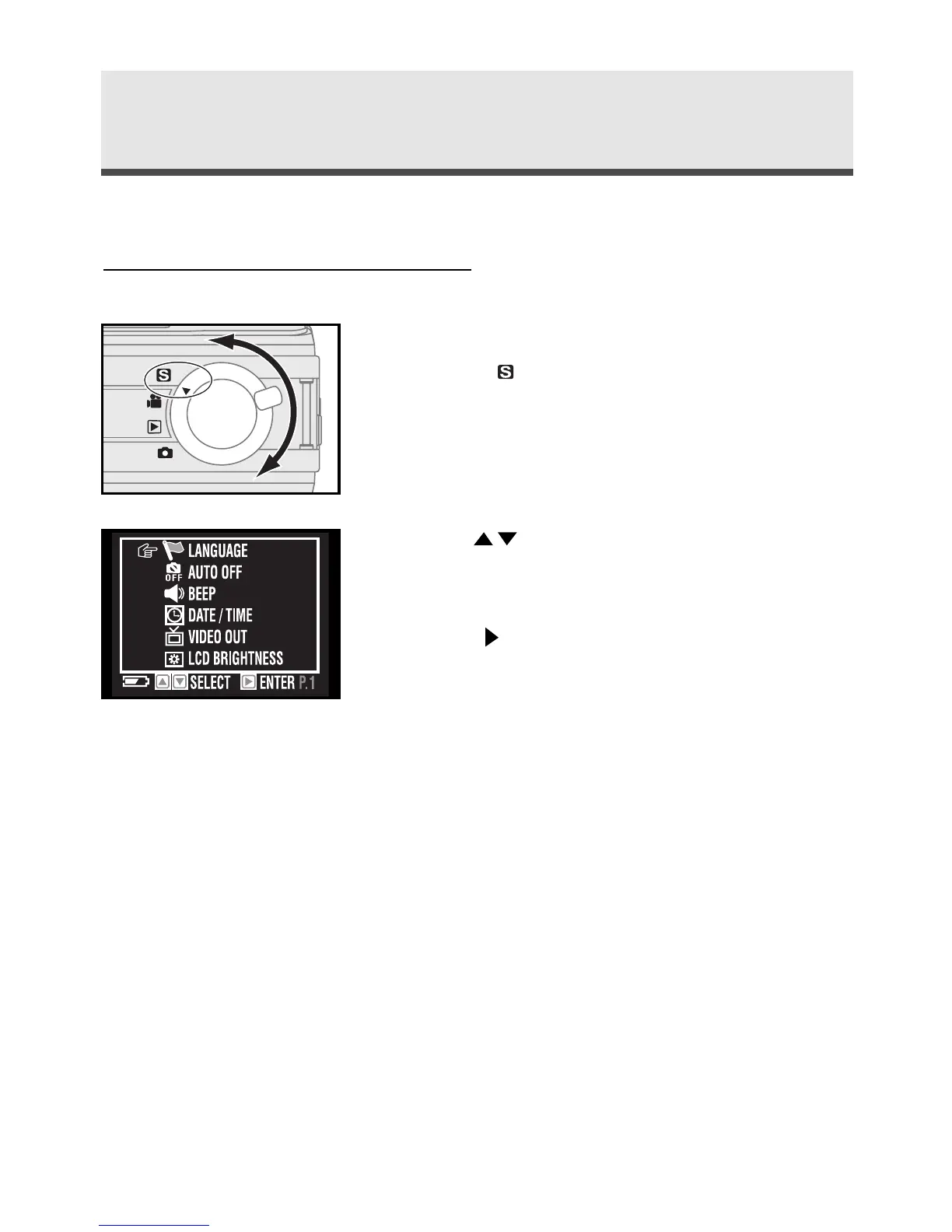
Set up mode allows you to adjust the default settings of this camera.
Using the Set Up Menu
1
To enter the set up menu, rotate the mode
dial to "Set Up mode".
2
Use on the four-way key to scroll
through the menu.
3
Press on the four-way key. to enter the
submenu .
4
Press "OK" to confirm the setting.
Note: Language and Date/Time settings, please
see page 20-21.



 To Next Page