80
.
Setting Power Saving Function
To save the battery power, the camera turns off automatically when it is not in
use for 1~30 minutes.
Chapter 6: Adjusting the Camera Settings
1
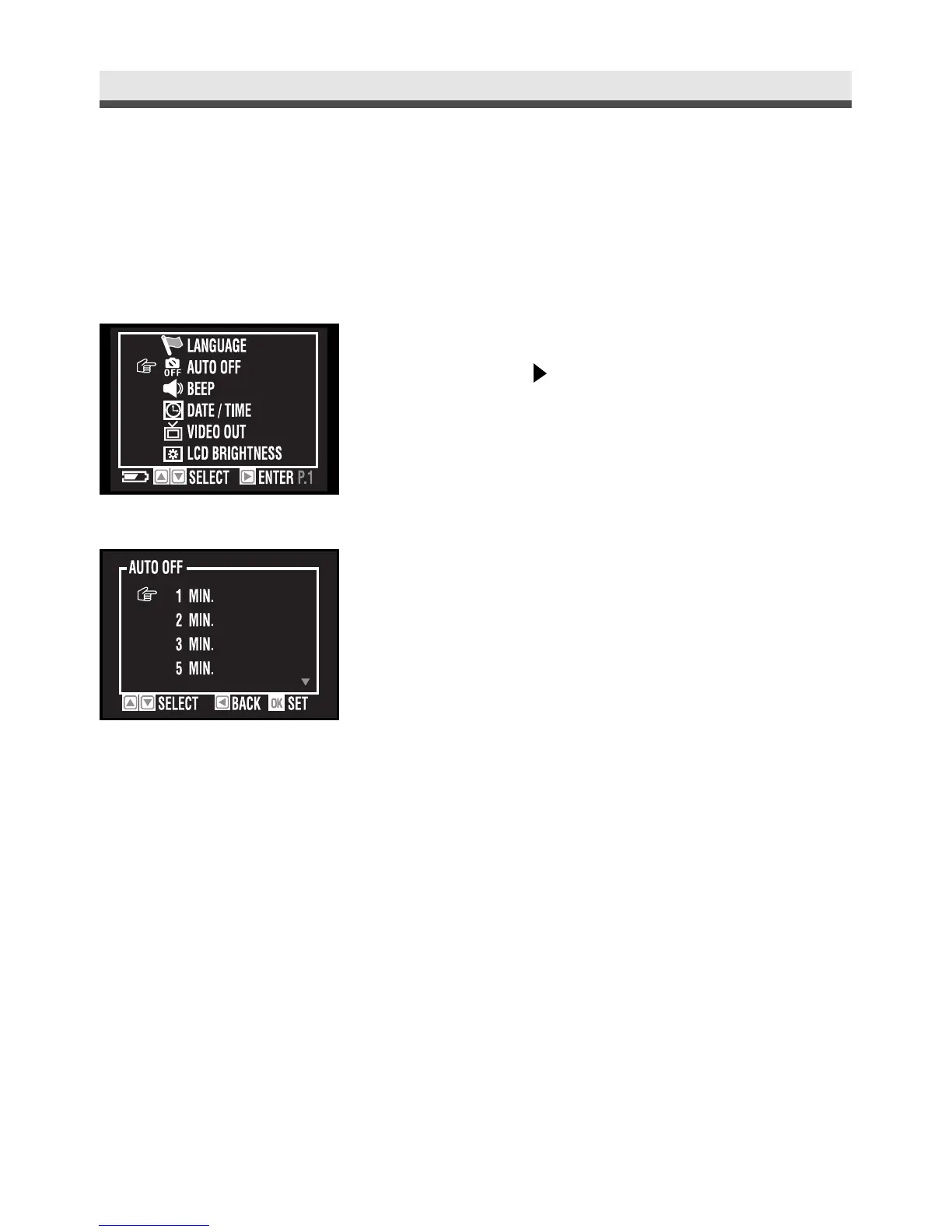
In the set up menu, select "Auto Off"and
then press on the four-way key.
2
Select "1 Min", "2 Min", "3 Min", "5 Min",
"10 Min", "30 Min" or "Off".
3
Press "OK" button to confirm the setting.



 To Next Page