52
.
Displaying a Slide Show
When reviewing still pictures, you can adjust some settings here and the camera
automatically displays the pictures one by one on the LCD monitor.
Chapter 3: Reviewing Images and Video Clips
1
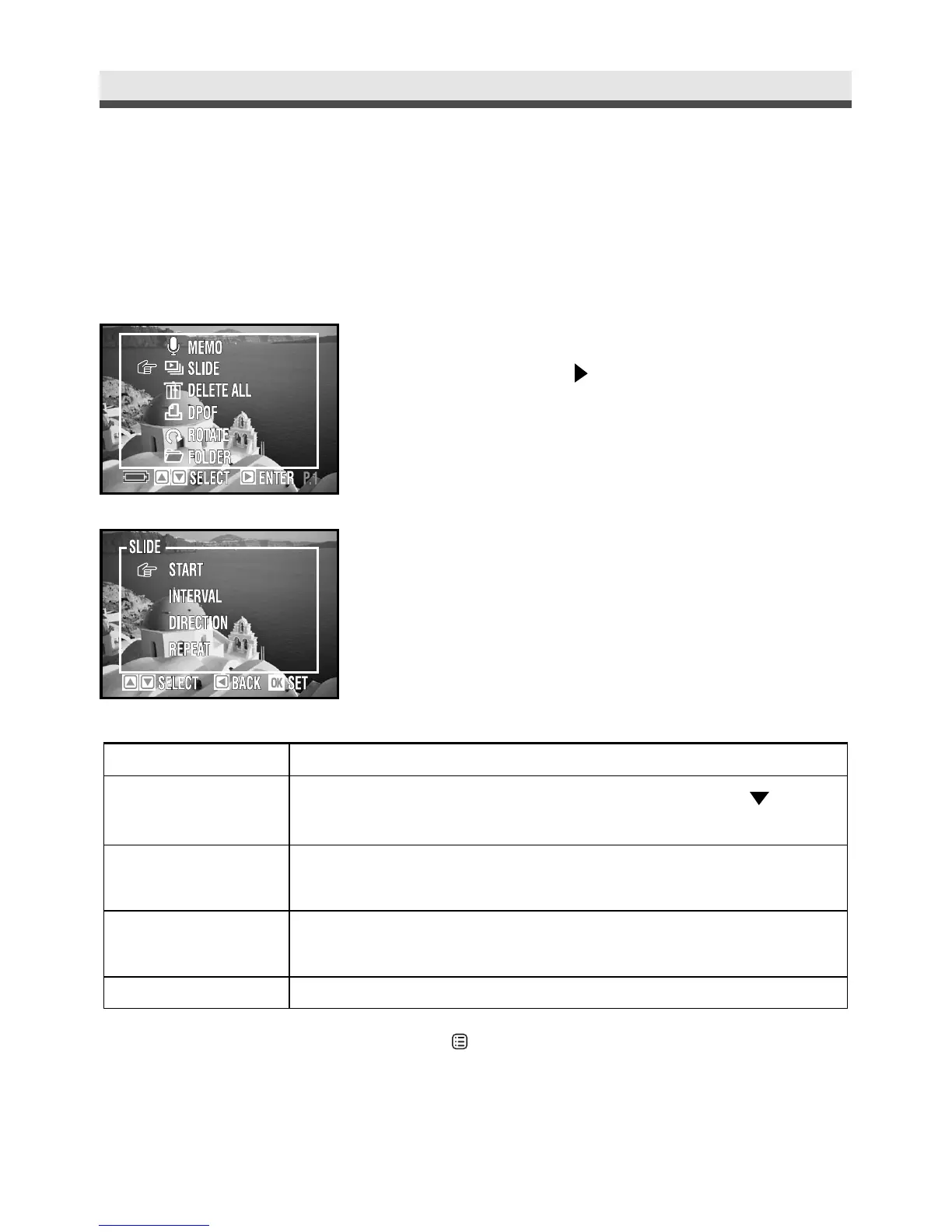
In the playback menu, select "Slide Show"
and then press on the four-way key.
2
Select "Start", "Interval", "Direction" or
"Repeat".
3
Press "OK" to confirm the setting.
Mode
Start
Interval
Direction
Repeat
Function
Begins the display. During the slide show, press on the
four-way key to pause/replay.
Adjusts the interval (3sec~30sec) between each picture
during the display.
Decides in which direction ("Forward" or "Backward") to
display the pictures.
Repeat playing the slide show.
Note: During the slide show, press or "OK" to stop it.



 To Next Page