72
Chapter 4: Installing the Software
Using the Application
.
Digital Image
1
Connect the camera to the computer. See
page 76.
2
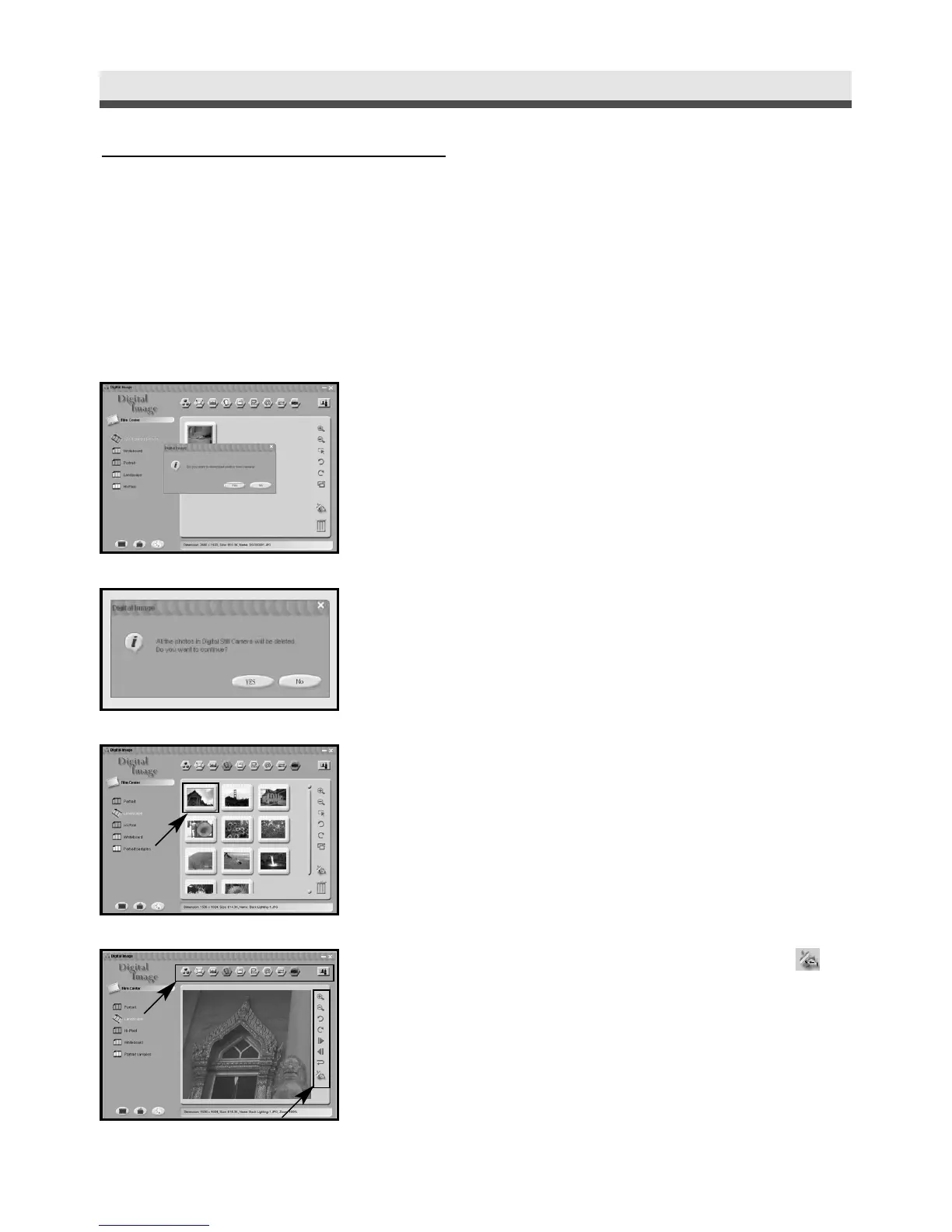
Launch Digital Image and click "Yes" to
download the images from the camera.
3
To reserve the images in the memory card,
click "No"; to delete all of the images in the
memory card, click "Yes".
4
Select the image that you want to edit.
5
Use the tools to edit the image or click to
link PhotoImpression.



 To Next Page