29
.
Using Still Mode
Still mode allows you to take still pictures.
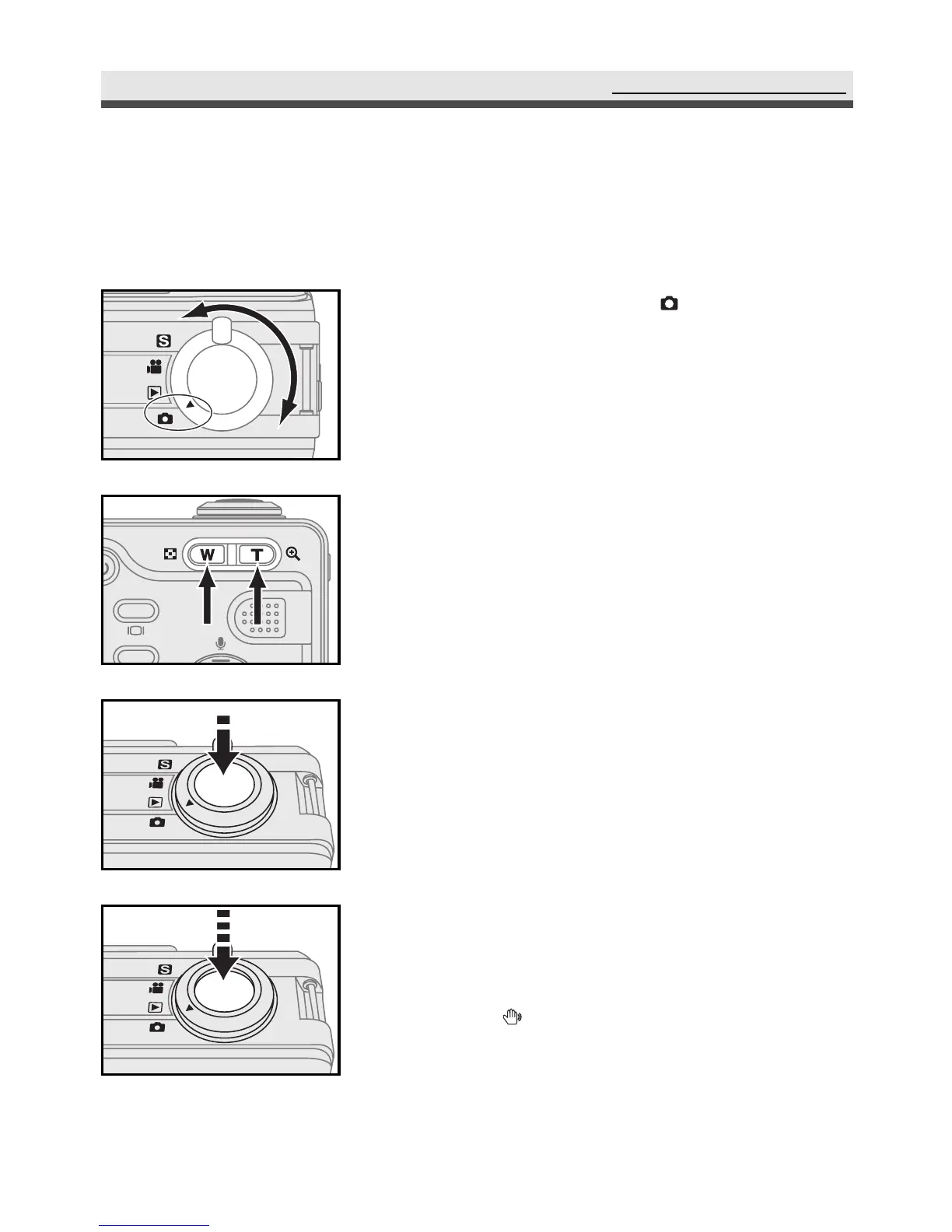
Taking Still Pictures
1
Rotate the mode dial to "Still Mode".
2
Frame your subjects with the viewfinder or
the LCD monitor by moving the camera or
using W/T buttons.
3
Slightly press the shutter release button half-
way down and hold it to set the focus and
exposure.
4
Press the shutter release button all the way
down and take the picture.
Note: When appears on the LCD monitor, we
recommend you use a tripod to avoid
taking blurry pictures caused by hand
shake.



 To Next Page