84
.
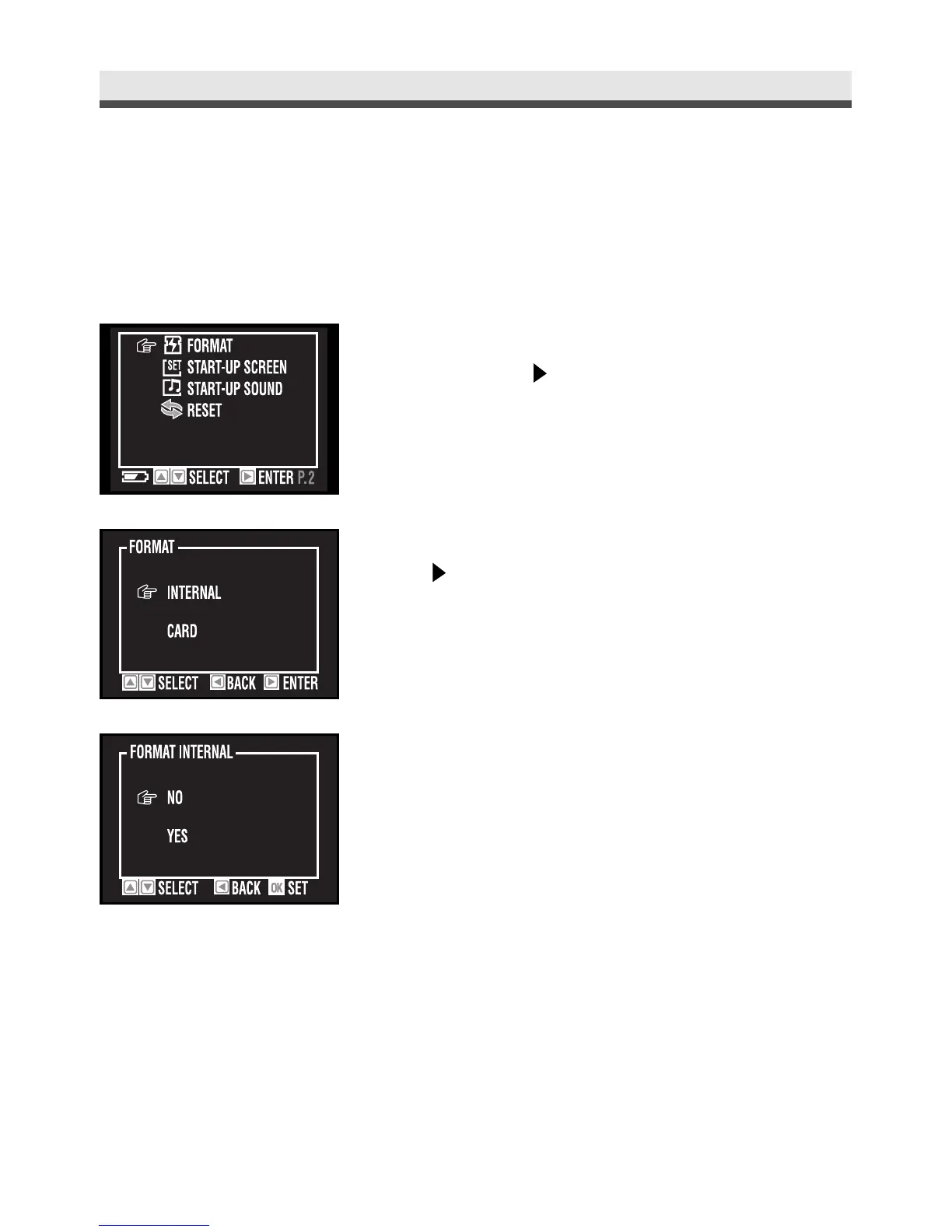
Formatting the Memory Card/ Built-in Memory
This function allows you to delete all of the images, data, information, and fold-
ers in your memory card or built-in memory.
Chapter 6: Adjusting the Camera Settings
1
In the set up menu, select "Format" and
then press on the four-way key.
2
Select "Internal" or "Card". And then press
on the four-way key.
3
Select "Yes" or "No". And press "OK" to
confirm the setting.



 To Next Page