45
Using the Capture Menu
.
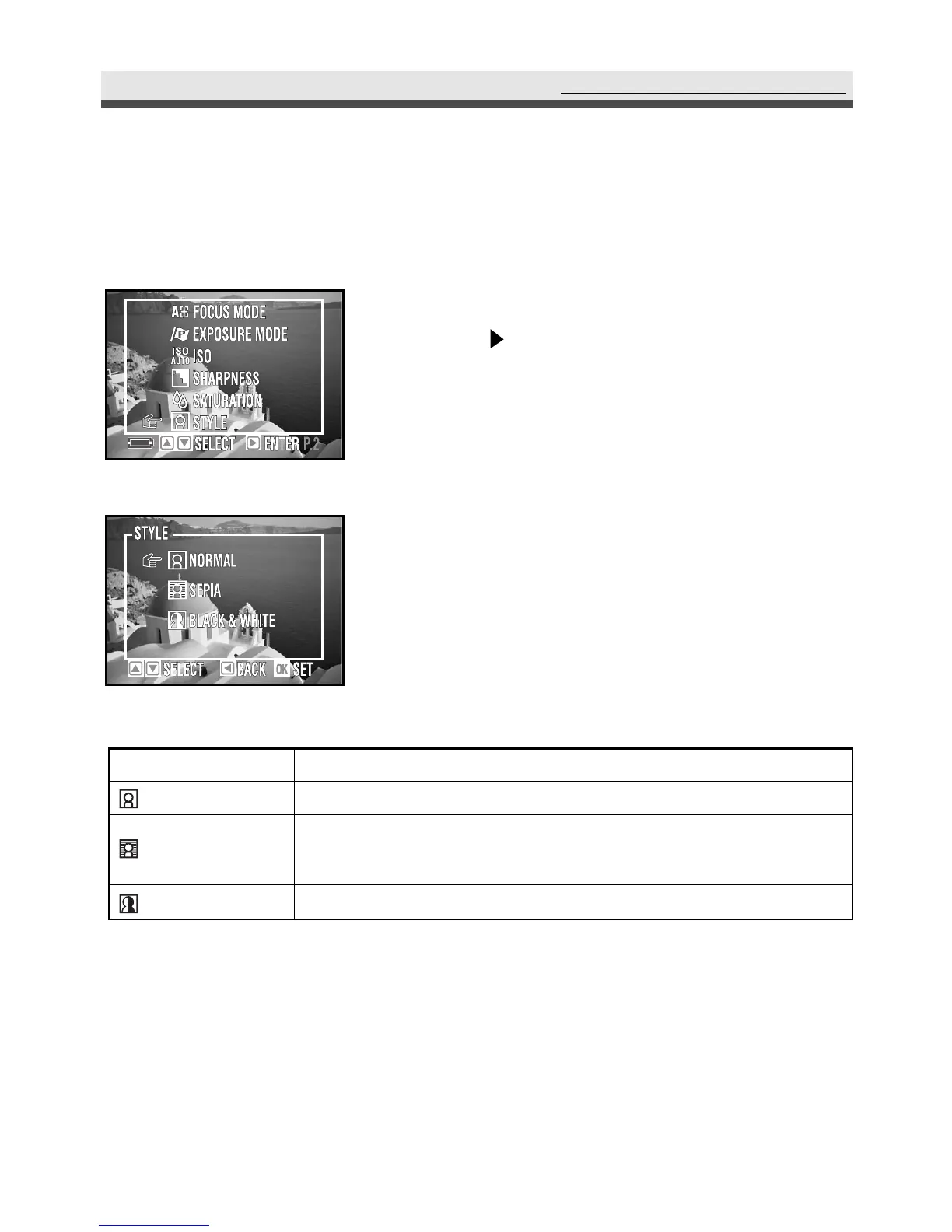
Setting Style
This mode allows you to have special effect on the pictures or the video clips.
1
In the capture menu, select "Style" and then
press on the four-way key.
2
Select "Normal", "Sepia", or "Black &
White".
3
Press "OK" to confirm the setting.
Mode
Normal
Sepia
Black & White
Function
No special effect.
Makes the pictures look like ancient ones.
(reddish -brown)
Produces black & white photos.



 To Next Page