53
Using the Playback Menu
.
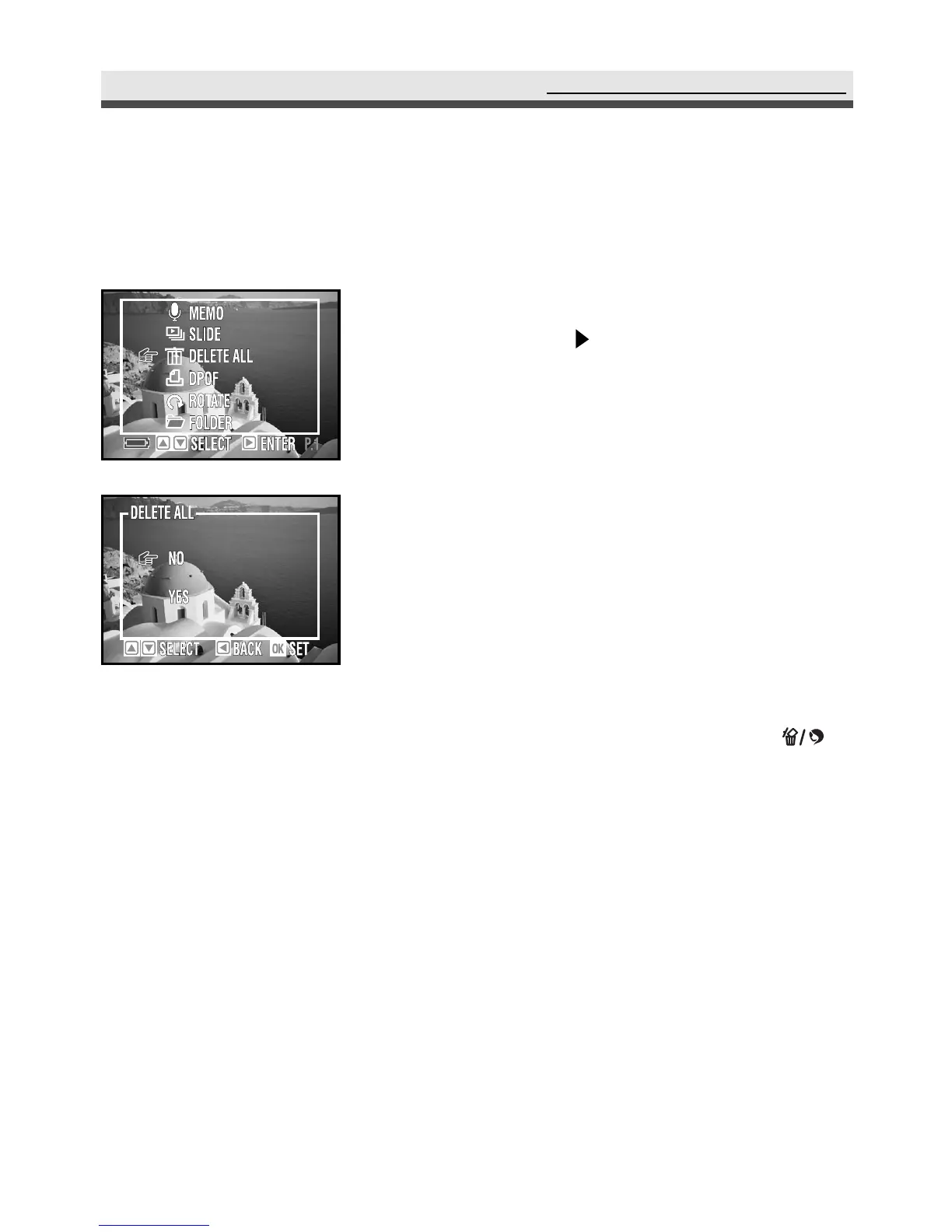
Deleting All Pictures
This function allows you to delete all of the still pictures and video clips.
1
In the playback menu, select "Delete All"
and then press on the four-way key.
2
Select "No" or "Yes".
3
Press "OK" to confirm the setting.
Note 1: To delete a single picture, choose the one
you want to delete and then press .
Choose "Yes" or "No" and then press
"OK".
Note 2: If the file is under protection, you have to
remove the protection first and then
delete it. See page 57.



 To Next Page