55
Using the Playback Menu
5
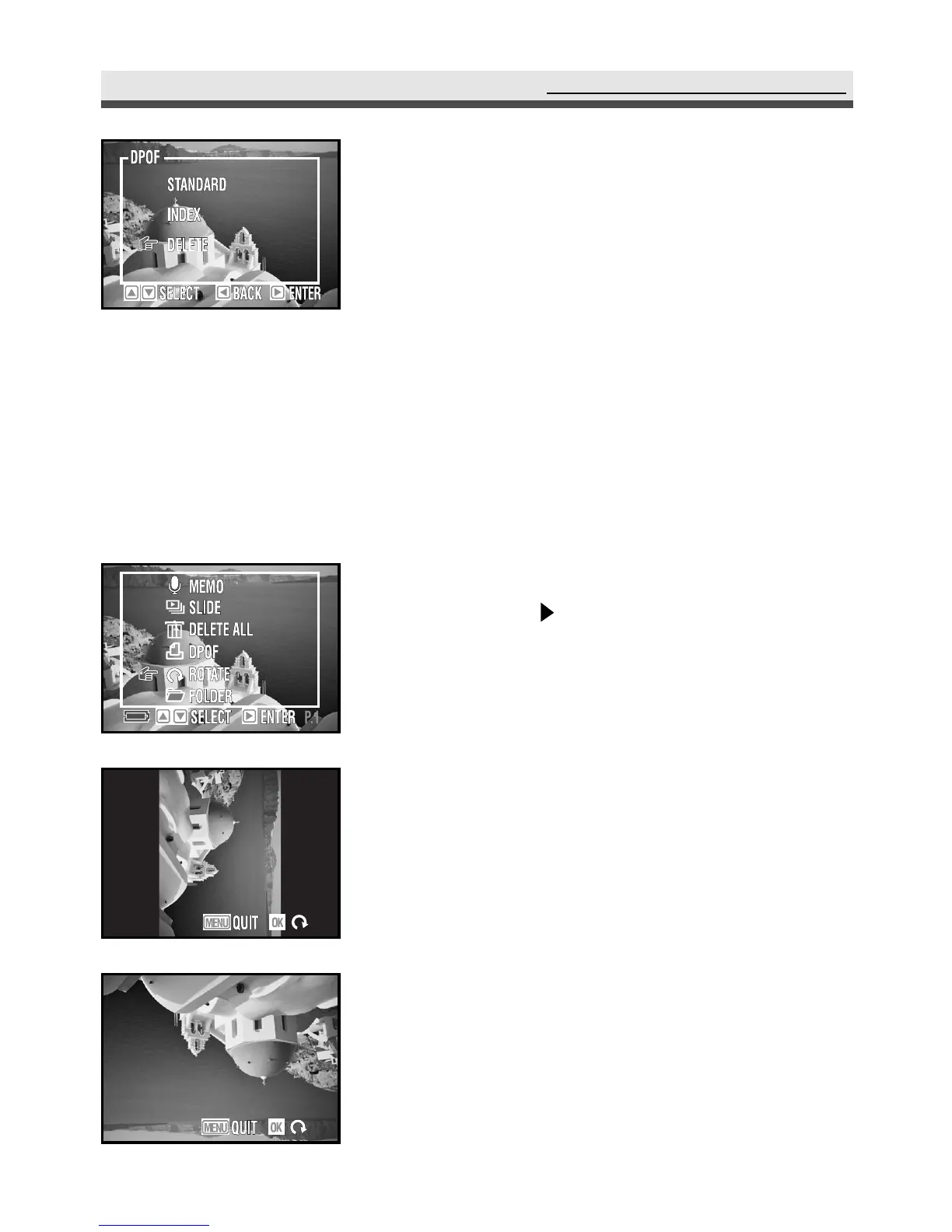
To cancel all of the settings for printing,
select "Delete".
1
In the playback menu, select "Rotate" and
then press on the four-way key to rotate
the image.
2
Press "OK" to rotate the image again or
"Menu" button to return to the playback
menu.
Note : Use this function only in the single playback
mode.
.
Rotating the Images
This option in the playback menu allows you to rotate the images. Each time
you press "OK", the image rotates 90˚ clockwise.



 To Next Page