50
Chapter 3: Reviewing Images and Video Clips
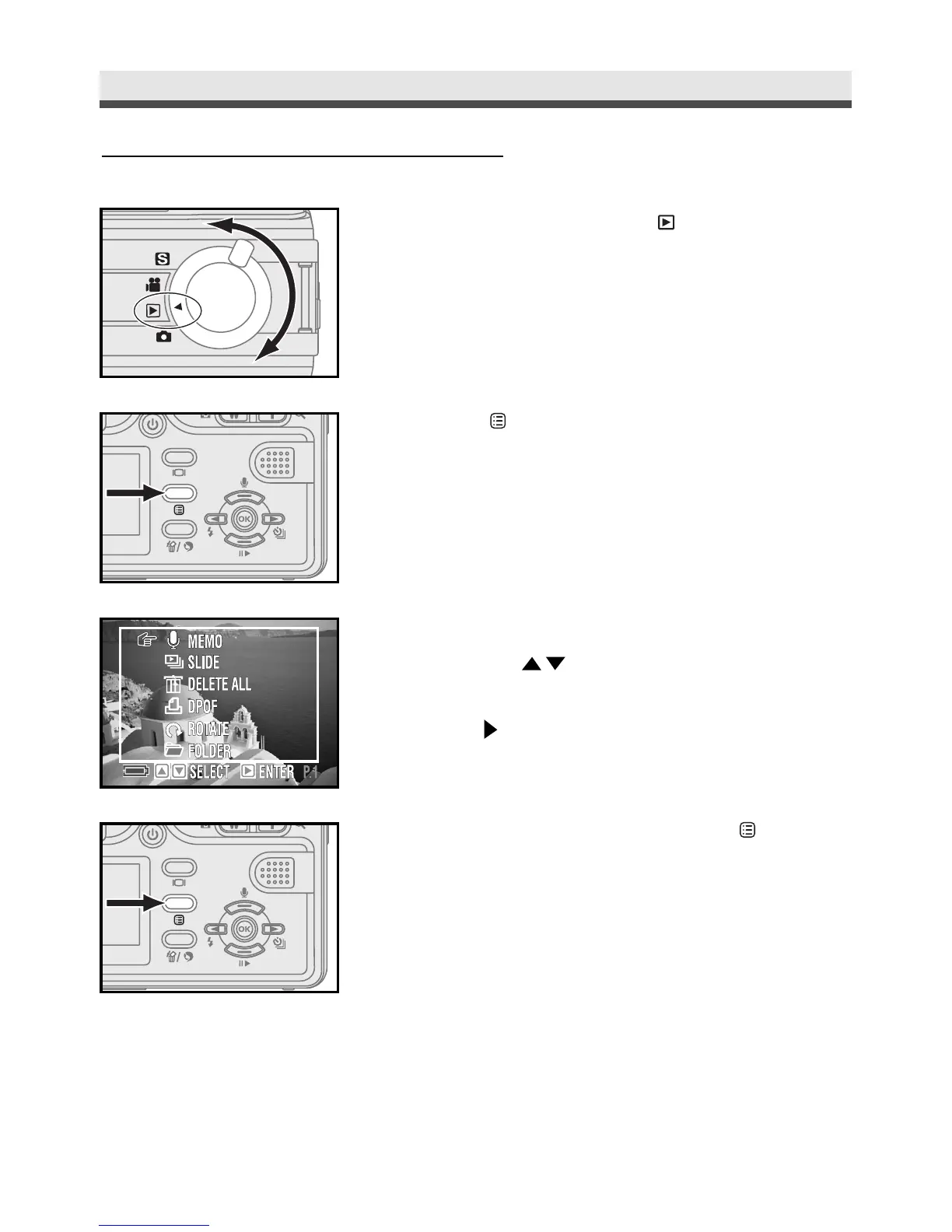
Using the Playback Menu
1
Rotate the mode dial to .
2
Press "Menu" button.
3
Scroll through the menu and the submenu
by using on the four-way key.
4
Press on the four-way key to enter the
submenu.
5
After finishing the setting, press "Menu"
button again to exit.



 To Next Page