34
Chapter 2: Taking Pictures and Recording Video Clips
Recording Video Clips
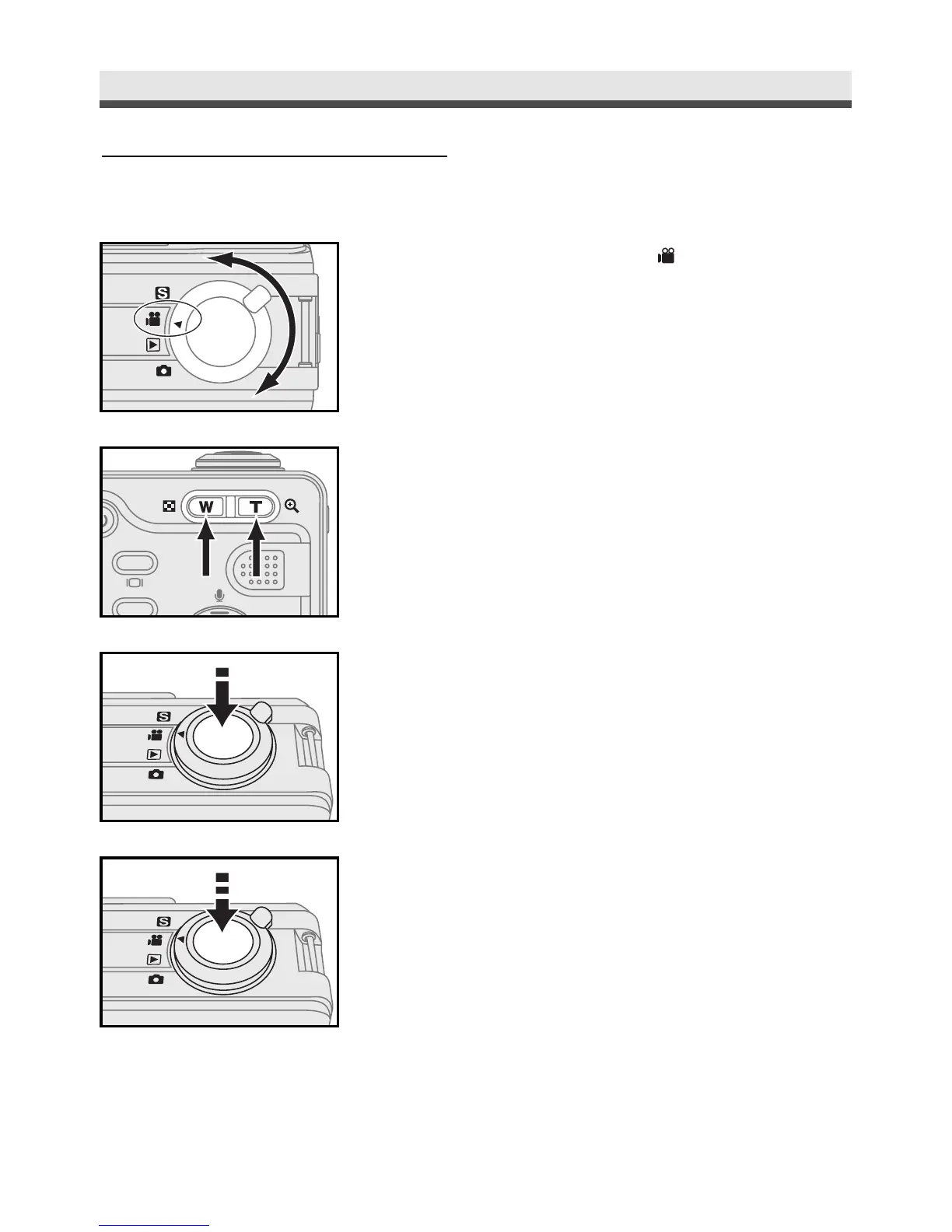
Movie mode allows you to record video clips.
1
Rotate the mode dial to .
2
Frame your subjects by using "W/T".
3
Slightly press the shutter release button half
way down and hold it to set the focus and
exposure the focus.
4
Press the shutter release button all the way
down to start recording.
5
Press the shutter release button again to stop
recording.



 To Next Page