73
Using the Application
.
PhotoImpression
1
Connect the camera to the computer.
See page 76.
2
Launch PhotoImpression.
3
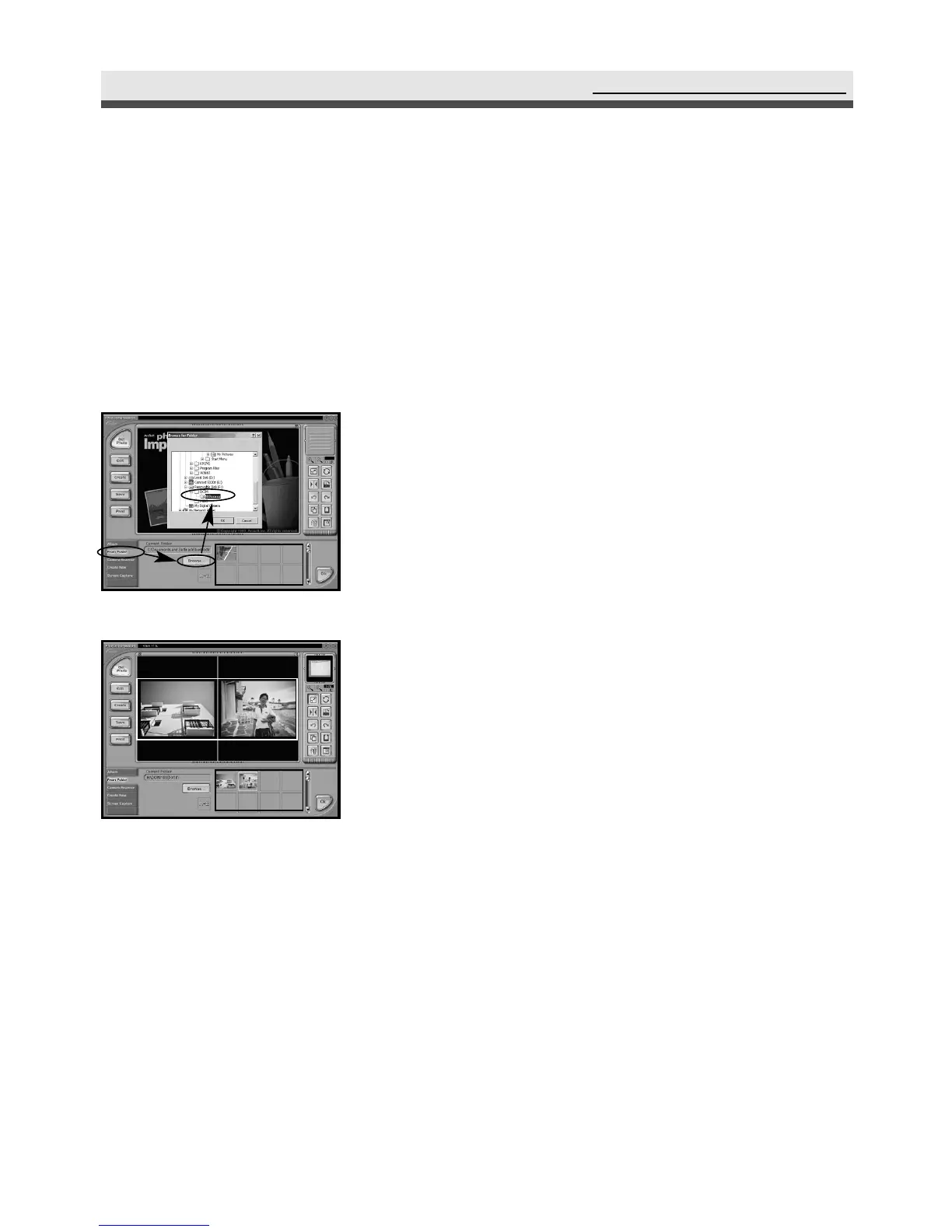
To download the images from the camera,
select "From Folder", "Browse",
"Removable Disk", "Dcim", "100xxxxx",
and click "Ok". Click the image that you
want to edit in the frame.
4
You can open two images at the same time.



 To Next Page