36
Chapter 2: Taking Pictures and Recording Video Clips
1
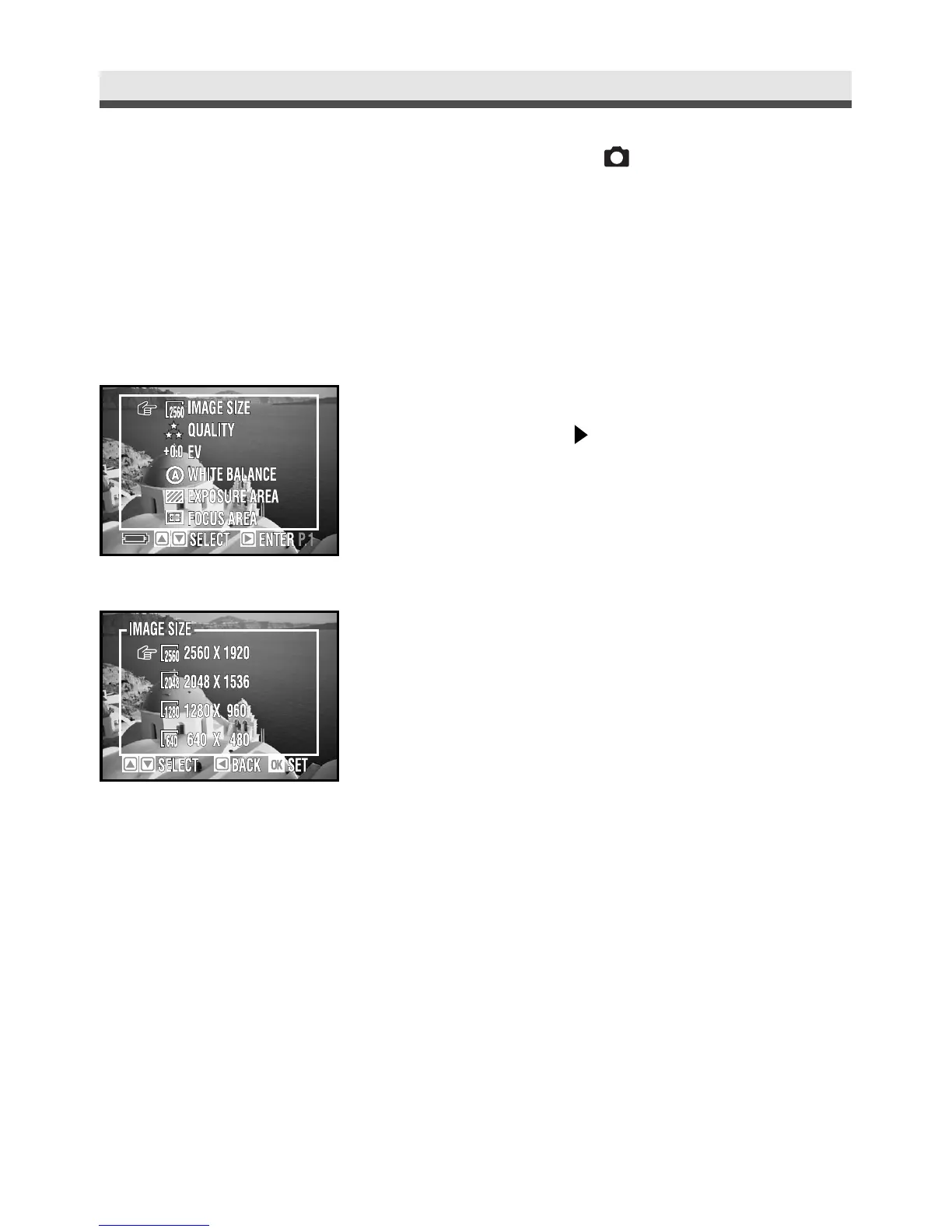
In the capture menu, select "Image Size"
and then press on the four-way key.
2
Select "2560 x 1920", "2048 x 1536",
"1280 x 960" or "640 x 480".
3
Press "OK" to confirm the setting.
.
Setting Image Size (Resolution) [ only]
In this function, you can choose in which image size (the number of pixels) that
you want your pictures stored in the memory card. This camera provides you
with four kinds of image size. You can gain detailed images with high resolu-
tions; the file size will be large, and vice versa.



 To Next Page