47
Using playback
Using Playback
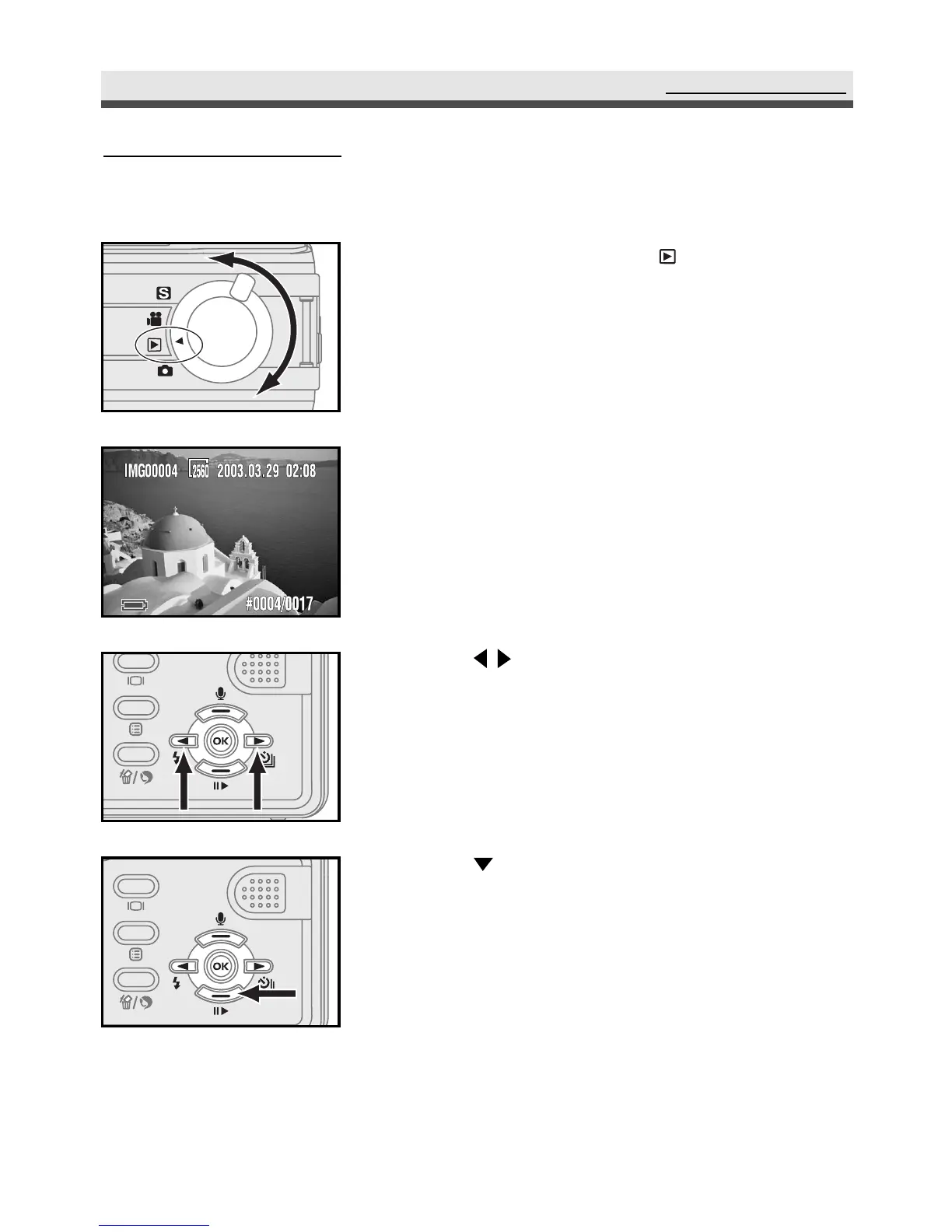
Playback mode allows you to review the still images and video clips.
1
Rotate the mode dial to "Playback" mode.
2
The last still picture you take and the
information of that picture appear on the
LCD monitor.
3
Use on the four-way key to move
forth and back through the still pictures.
4
Use on the four-way key to start/ pause
playing video clips.



 To Next Page