62
Chapter 3: Reviewing Images and Video Clips
.
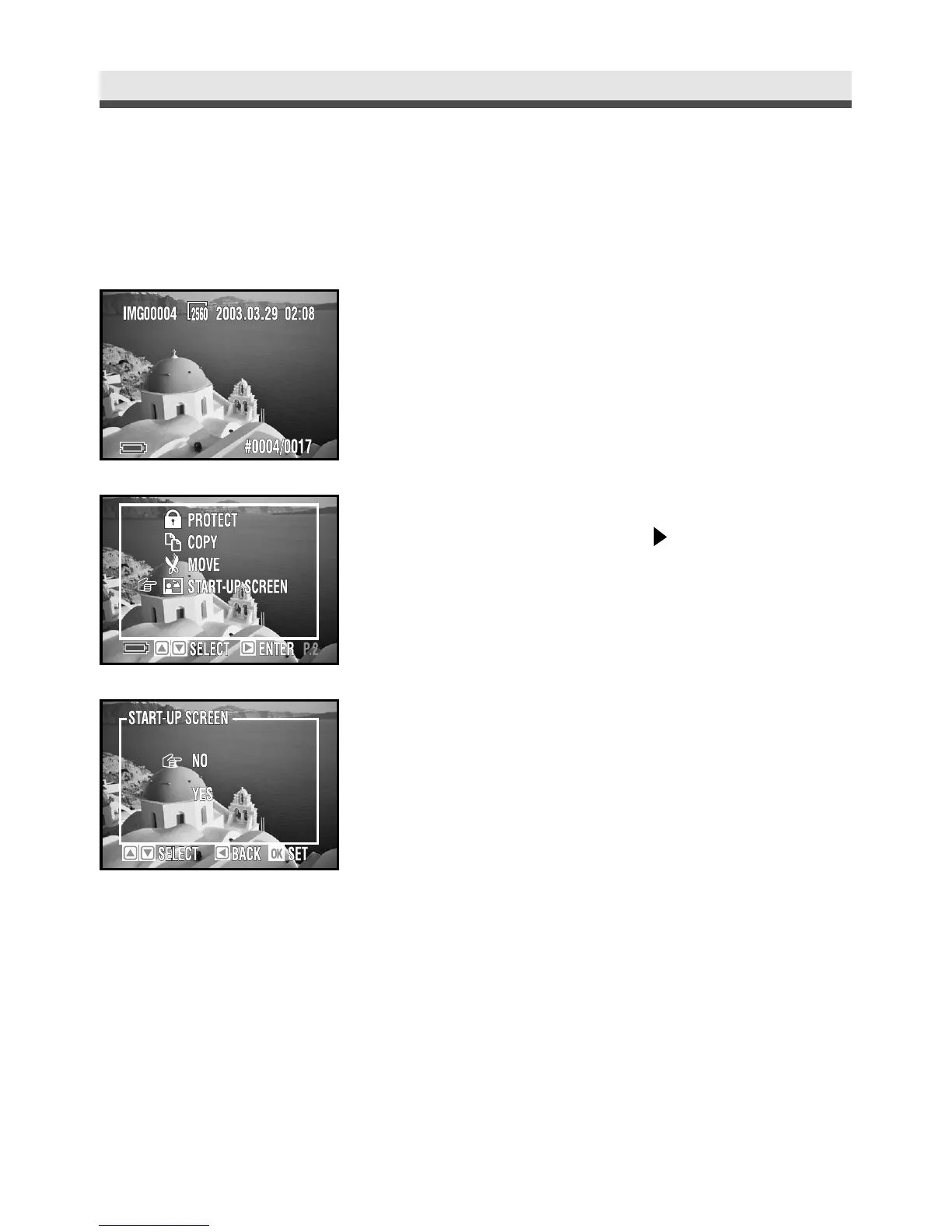
Selecting Your Start-up Screen Photo
Choose one picture you take to be your user define start-up screen.
1
Select a picture in playback mode first.
2
In the playback menu, select “Start-up
Screen” and then press on the four-way
key.
3
Select “No” or “Yes”.
4
Press “OK” to confirm the setting.
Note : Use this function only in the single playback
mode.



 To Next Page