85
Using the Set Up Menu
.
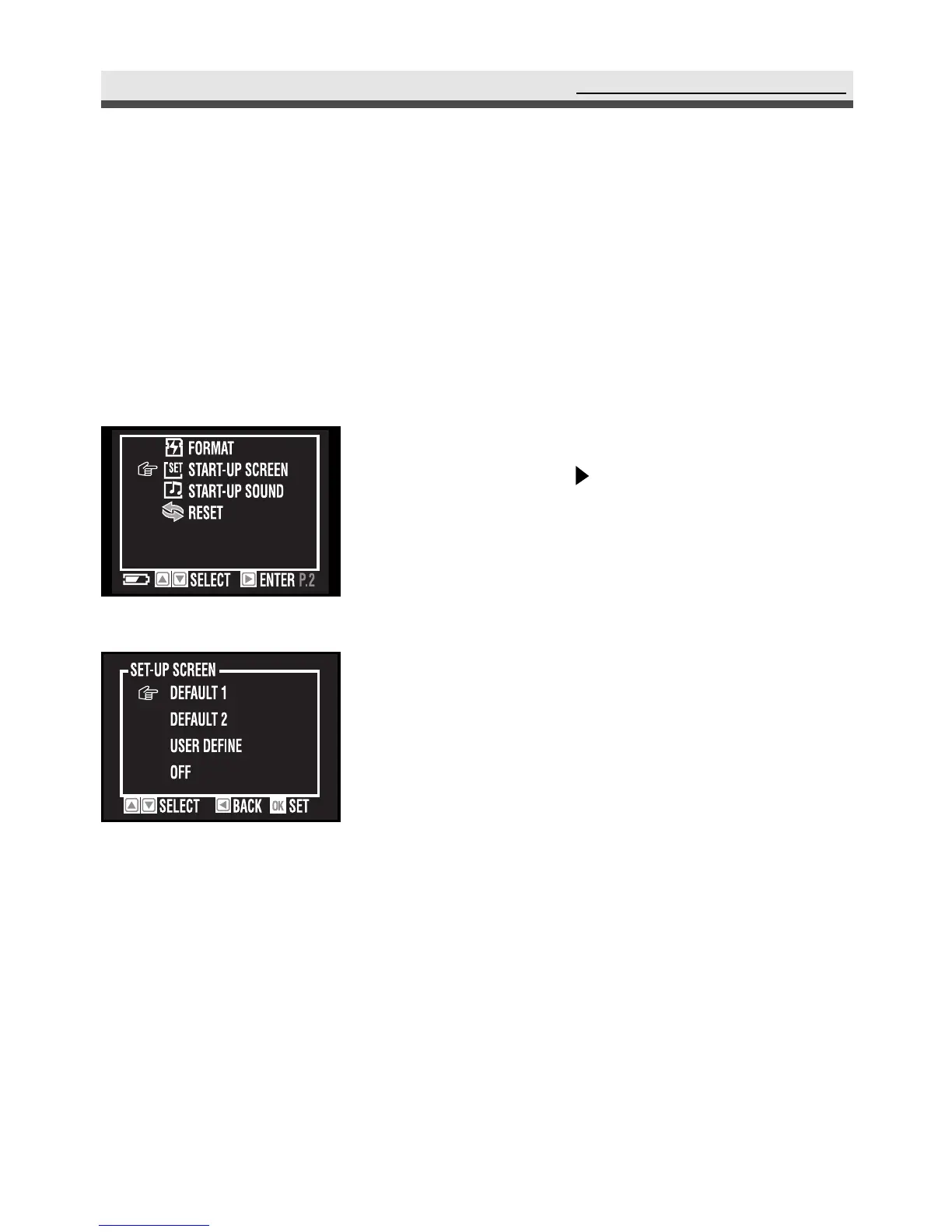
Customizing Your Start-up Screen
This option allows you to choose the welcome screen displayed when you turn
the camera on. The camera provides you with two default start-up screen.
Moreover, you can use one of the pictures you take to be the start-up screen by
selecting "User Define". Choose the picture in "Power on Screen" (in the play-
back menu).
1
In the set up menu, select "Start-up Screen"
and then press on the four-way key.
2
Select "Default 1", "Default 2", "User
Define" or "Off".
3
Press "OK" to confirm the setting.



 To Next Page