83
.
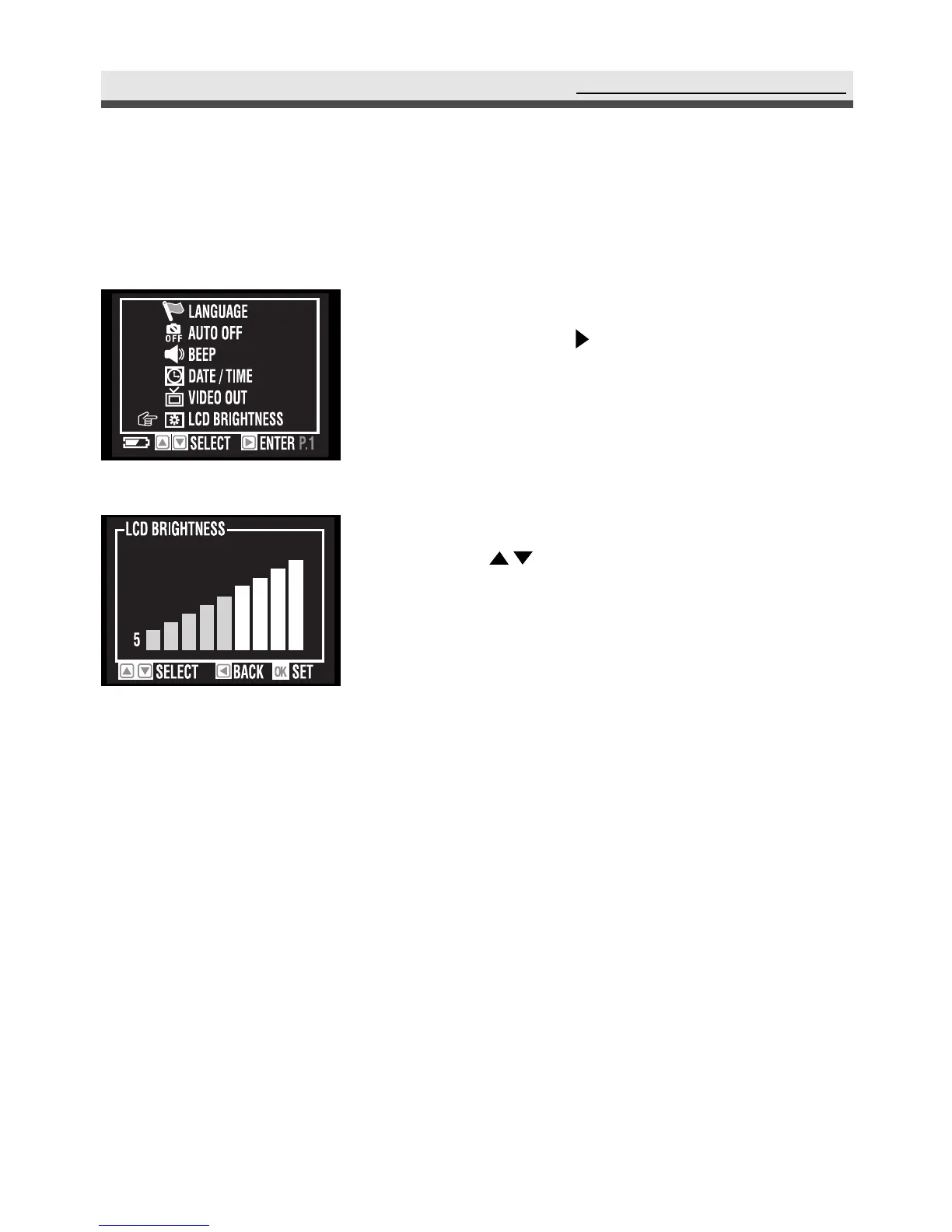
Setting LCD Brightness
You can adjust the LCD brightness value here.
Using the Set Up Menu
1
In the still menu, select " LCD brightness"
and then press on the four-way key.
2
Adjust the brightness value from 0~9 by
using on the four-way key.
3
Press "OK" to confirm the setting.



 To Next Page