64
Chapter 4: Installing the Software
Installing the Software
.
Installing the Driver
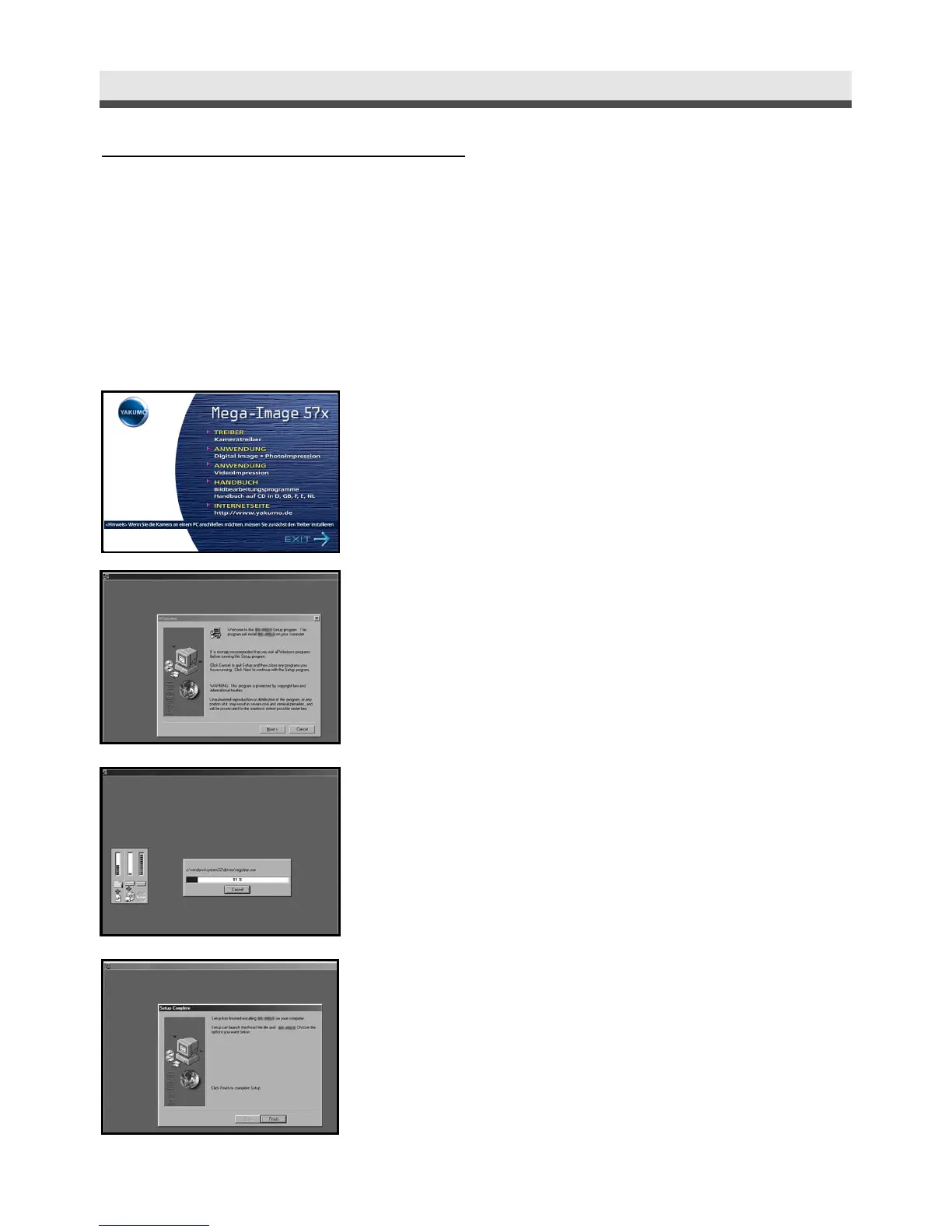
If you use Windows 98, 98 SE as the OS in your computer, install the driver first
by following the on-screen instruction.
1
Insert an installation CD-ROM.
2
Click "Driver".
3
Click "Next".
4
The installation starts.
5
Click "Finish " to complete the installation.
Windows ME, 2000, XP and Mac OS 9.X,
10.X don't need the driver.



 To Next Page