232 Chapter 19—Pro Tools Remote Layer
DM2000 Version 2—Owner’s Manual
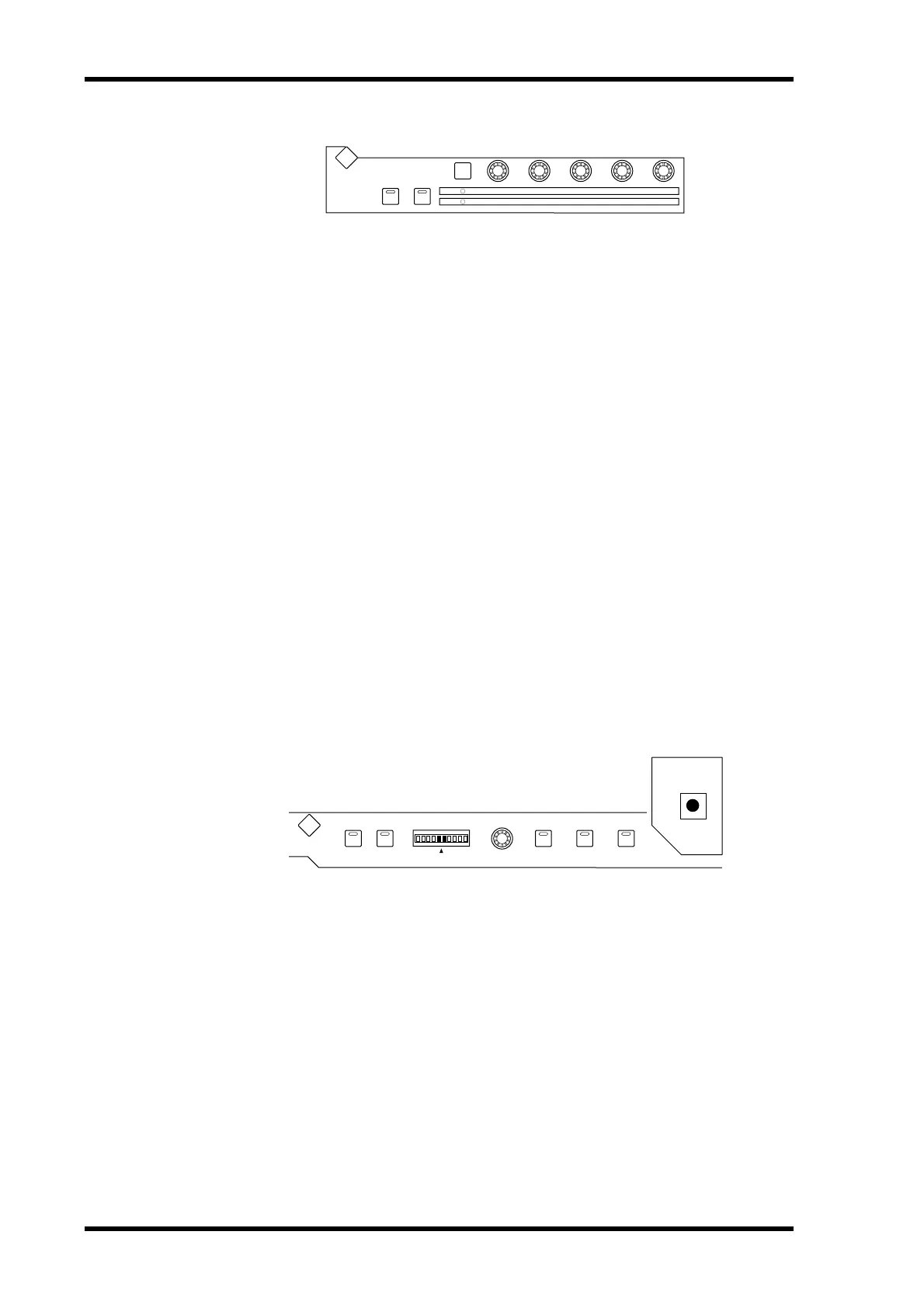
■ DYNAMICS
[THRESHOLD] control
If the ROUTING [6] button indicator is off, the [THRESHOLD] control adjusts the front
position. If the ROUTING [6] button indicator is lit, the control adjusts the front diver-
gence.
[RANGE/RATIO] control
If the ROUTING [6] button indicator is off, the [RANGE/RATIO] control adjusts the rear
position. If the ROUTING [6] button indicator is lit, the control adjusts the rear divergence.
[ATTACK] control
If the ROUTING [6] button indicator is off, the [ATTACK] control adjusts the F/R
(front/rear) position. If the ROUTING [6] button indicator is lit, the control adjusts the F/R
(front/rear) divergence.
[DECAY/RELEASE] control
If the ROUTING [6] button indicator is off, the [DECAY/RELEASE] control adjusts the
LFE level. If the ROUTING [6] button indicator is lit, this control adjusts the center per-
centage.
[HOLD/GAIN] control
Adjusts the channel volume.
■ PAN/SURROUND
[GRAB] button
Press this button, turning on the button indicator, then operate the Joystick to quickly set
the pan position.
Joystick
Operating the Joystick while the [GRAB] button indicator is turned on enables you to
quickly set the pan position.
GATE ON COMP ON
GATE
COMP
RANGE
RATIO
ATTA CK
ATTA CK
DECAY
RELEASETHRESHOLD
THRESHOLD HOLD
DYNAMICS
GATE / COMP
GAIN
DISPLAY
LINK GRAB EFFECT
L
EVEN
R
L
R
PAN/SURROUND
DISPLAY
ODD



 To Next Page