2 - 16 TC56 User Guide for Android Version 6.0.1
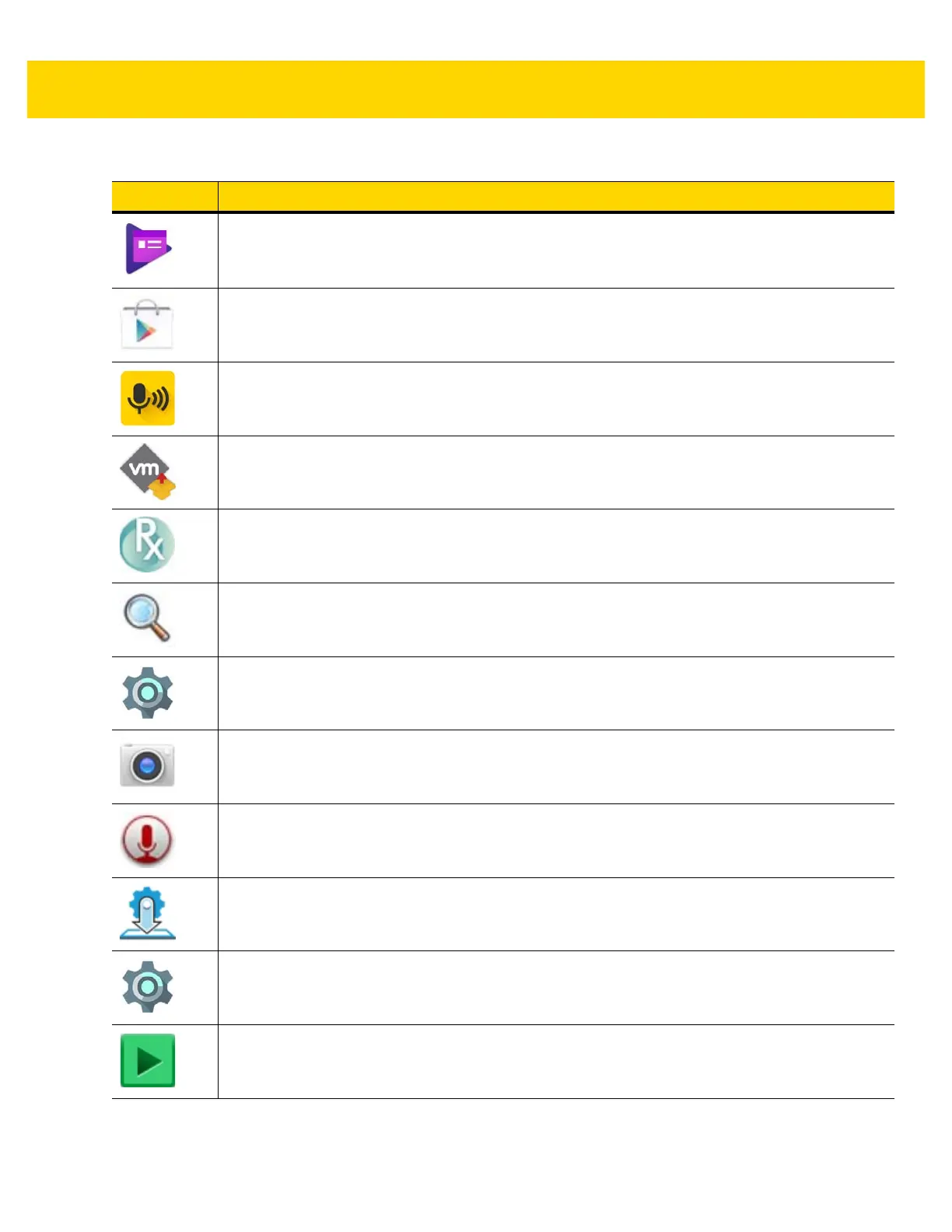
Play Newsstand - Displays current news (Available only on devices with GMS software).
Play Store - Download music, movies, books, and Android apps and games from the Google
Play Store (Available only on devices with GMS software).
PTT Express - Use to launch PTT Express client for VoIP communication.
Rapid Deployment - Allows the TC56 to stage a device for initial use by initiating the
deployment of settings, firmware and software. Requires the purchase of an MSP client license
per device.
RxLogger - Use to diagnose device and application issues. See the TC56 Touch Computer
Integrator Guide for Android Version 6.0.1 for more information.
Search - (Available only on devices without GMS software).
Settings - Use to configure the TC56.
Snapdragon Camera - Take photos or record videos.For more information see Camera on page
4-8.
Sound Recorder - Use to record audio (Available only on devices without GMS software).
StageNow - Allows the TC56 to stage a device for initial use by initiating the deployment of
settings, firmware and software.
Tethering & portable hotspot - Use to configure tethering and Wi-Fi hotspot.
Videos - Play videos on the device (Available only on devices without GMS software).
Table 2-4 Applications (Continued)
Icon Description



 To Next Page