START-UP
Cell Observer SD Connection of Spinning Disc Unit Carl Zeiss
M60-2-0021 e 01/2009 423638-7044-001 43
3.6 Connection of Spinning Disc Unit
3.6.1 Connecting the CSU-X1M 1800/
1800 Dual Cam Spinning Disc Unit
• Connect the power supply unit of the spinning
disc unit table to the power strip (refer to
section
3.1.2 on page 38).
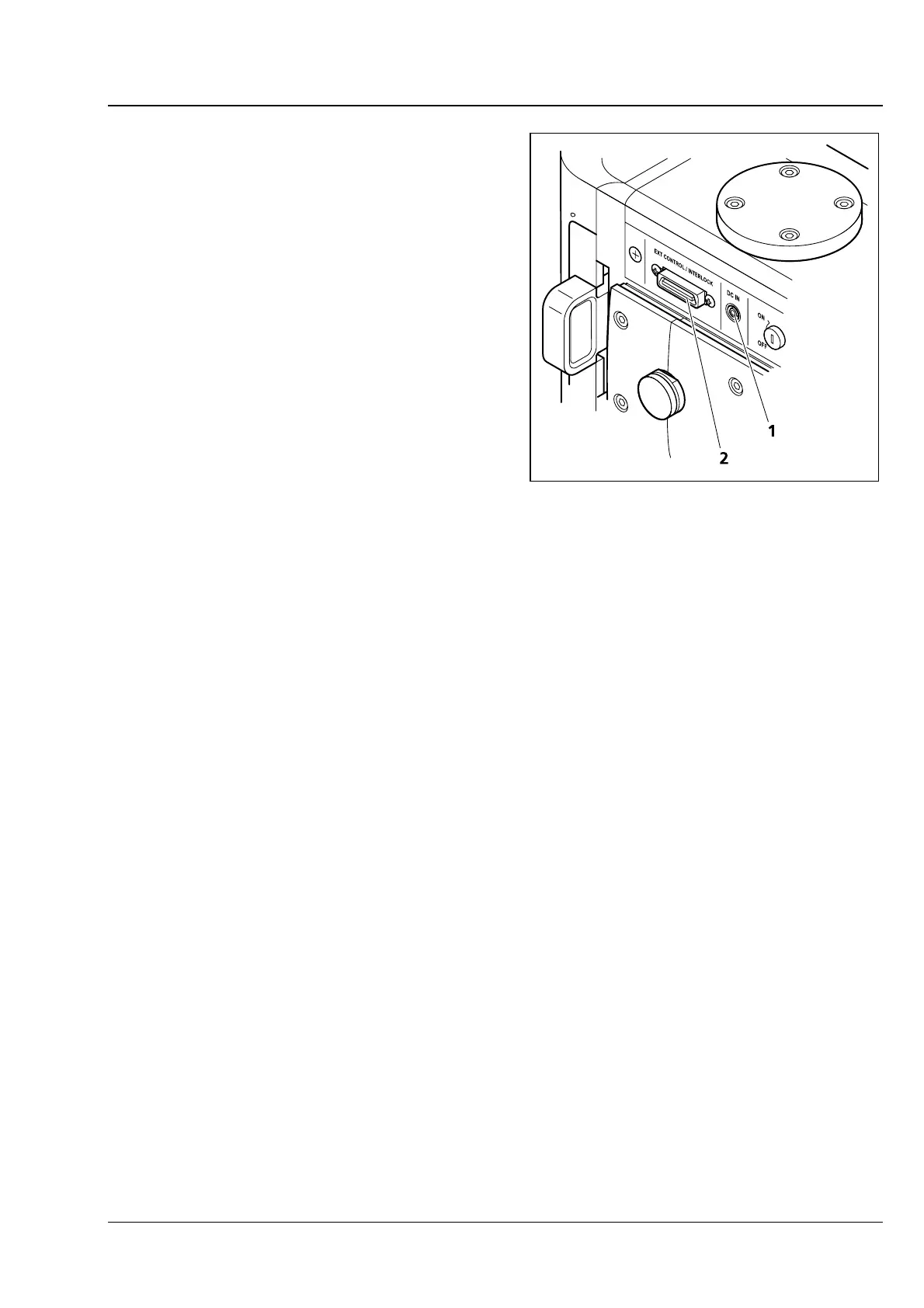
• Connect the DC outlet of the power supply unit
to jack DC IN (
Fig. 3-6/1).
• Plug the interlock connector into terminal jack
Ext. Control / Interlock (
Fig. 3-6/2). The
shutter can now be manually opened and
closed by pressing the Shutter button
(
Fig. 4-1/1).
3.6.2 Connecting the CSU-X1M 5000/5000 Dual Cam or CSU-X1A 5000 Spinning Disc Unit
• Connect the power supply unit of the spinning disc unit table to the power strip (refer to section
3.1.2
on page
38).
• Connect DC outlet of the table power pack to jack DC IN (
Fig. 3-6/1).
• Plug the CSU-X1 control box cable into jack terminal Ext. Control / Interlock (
Fig. 3-6/2).
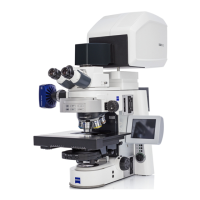
Fig. 3-6 Connection points of
Cell Observer SD







 To Next Page