21
White Balance
White balance is the process of offsetting unnatural color cast in images under different color temperatures
so as to output images that best suit human eyes.
NOTE!
This function may vary with models, please see the actual Web interface for details.
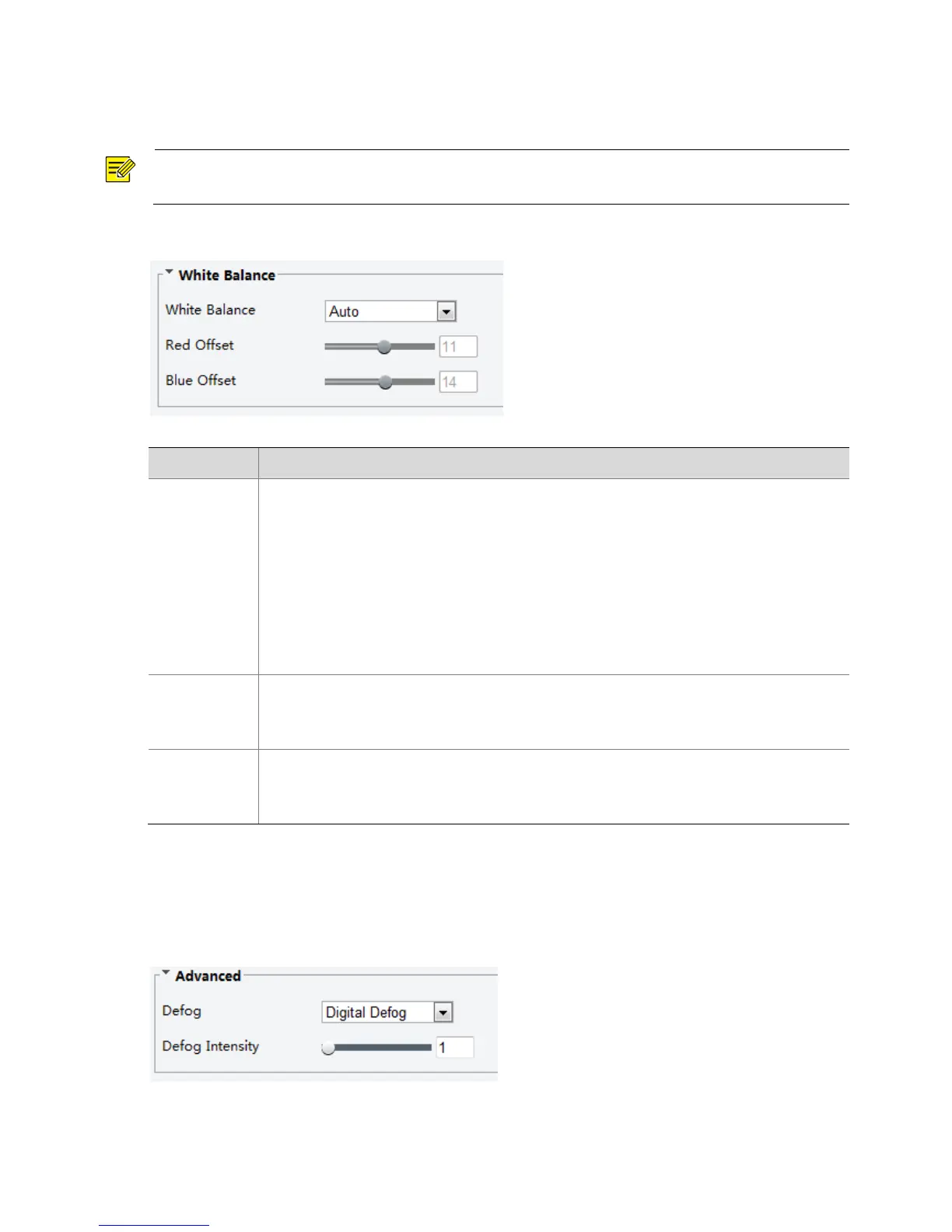
1. Click Setup > Image > Image and then click White Balance.
2. Select a white balance mode as required. The following table describes some major parameters.
Adjust the red or blue offset of the image:
Auto: The camera adjusts the red and blue offset automatically according to the light
condition (the color tends to be blue).
Fine Tune: Allow you to adjust the red and blue offset manually.
Sodium Lamp: The camera adjusts red and blue offset automatically according to the
light condition (the color tends to be red).
Outdoor: It is recommended for the outdoor scenes with a wide range of the color
temperature variation
Locked: Lock the current color temperature settings without adjustment.
Adjust the red offset manually.
Note:
You can set this parameter only when White Balance is set to Fine Tune.
Adjust the blue offset manually.
Note:
You can set this parameter only when White Balance is set to Fine Tune.
3. To restore the default settings, click Default.
Defog
Use the defog function to adjust the clarity of images captured in fog or haze conditions.
1. Click Setup > Image > Image and then click Advanced.



 To Next Page