NOTE!
This function can be configured only when WDR is disabled.
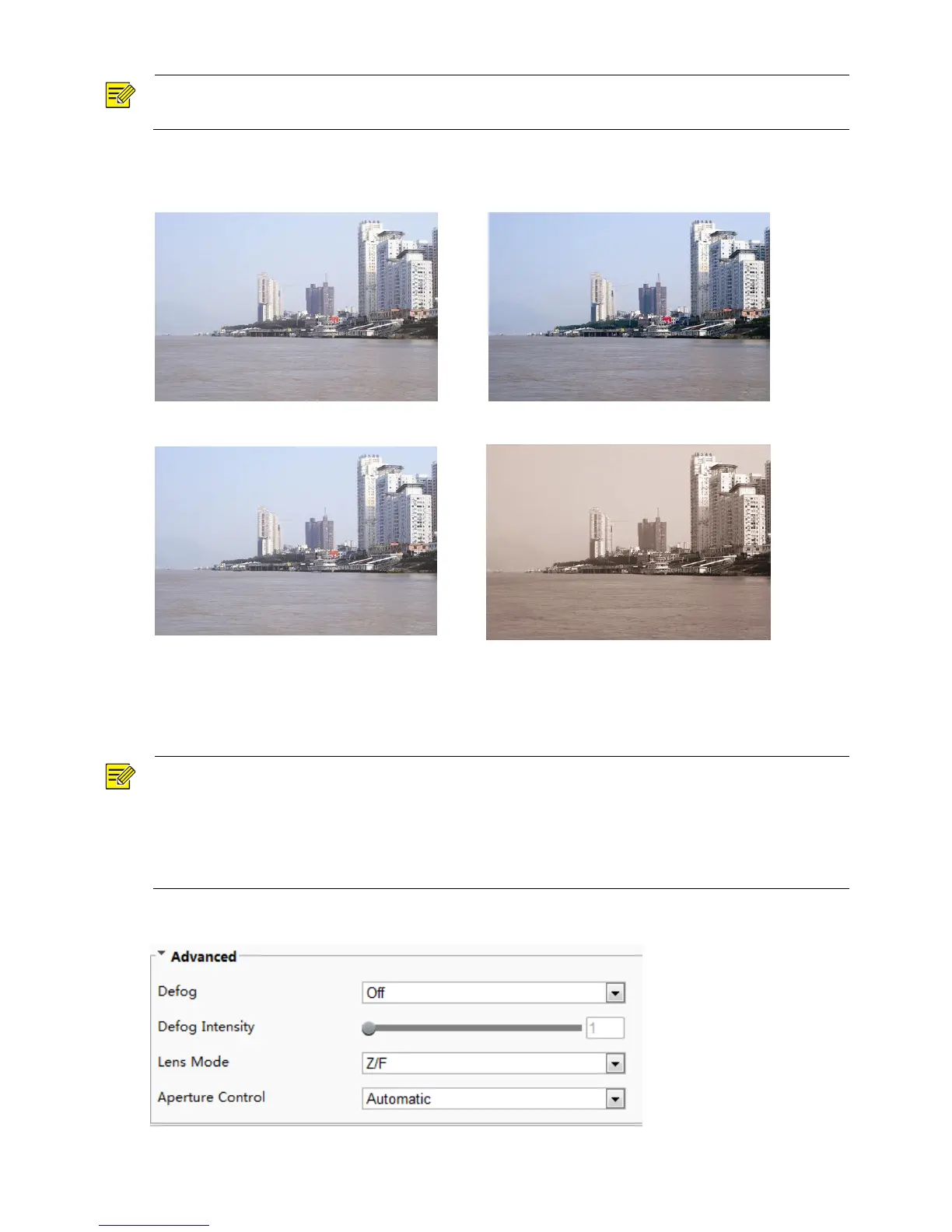
2. Enable the defog function and then select a level for the scene. Level 5 achieves the maximum defog
effects, and level 1 achieves the minimum.
3. To restore the default settings, click Default.
Configuring Iris and Lens
NOTE!
This function is only supported by certain network box camera types, please see the actual model for
details.
When using the lens with P-Iris control mode that supports Z/F function, connect the iris control cable to
the Z/F port of the camera. When using the lens with DC-Iris control mode that does not support Z/F
function, connect the iris control cable to the IRIS port of the camera.
1. Click Setup > Image > Image and then click Advanced.
2. Modify the settings as required. The following table describes some major parameters.



 To Next Page