Service Kit Installation Procedures
4–56 www.zoll.com 906-0731-04-01 Rev. C
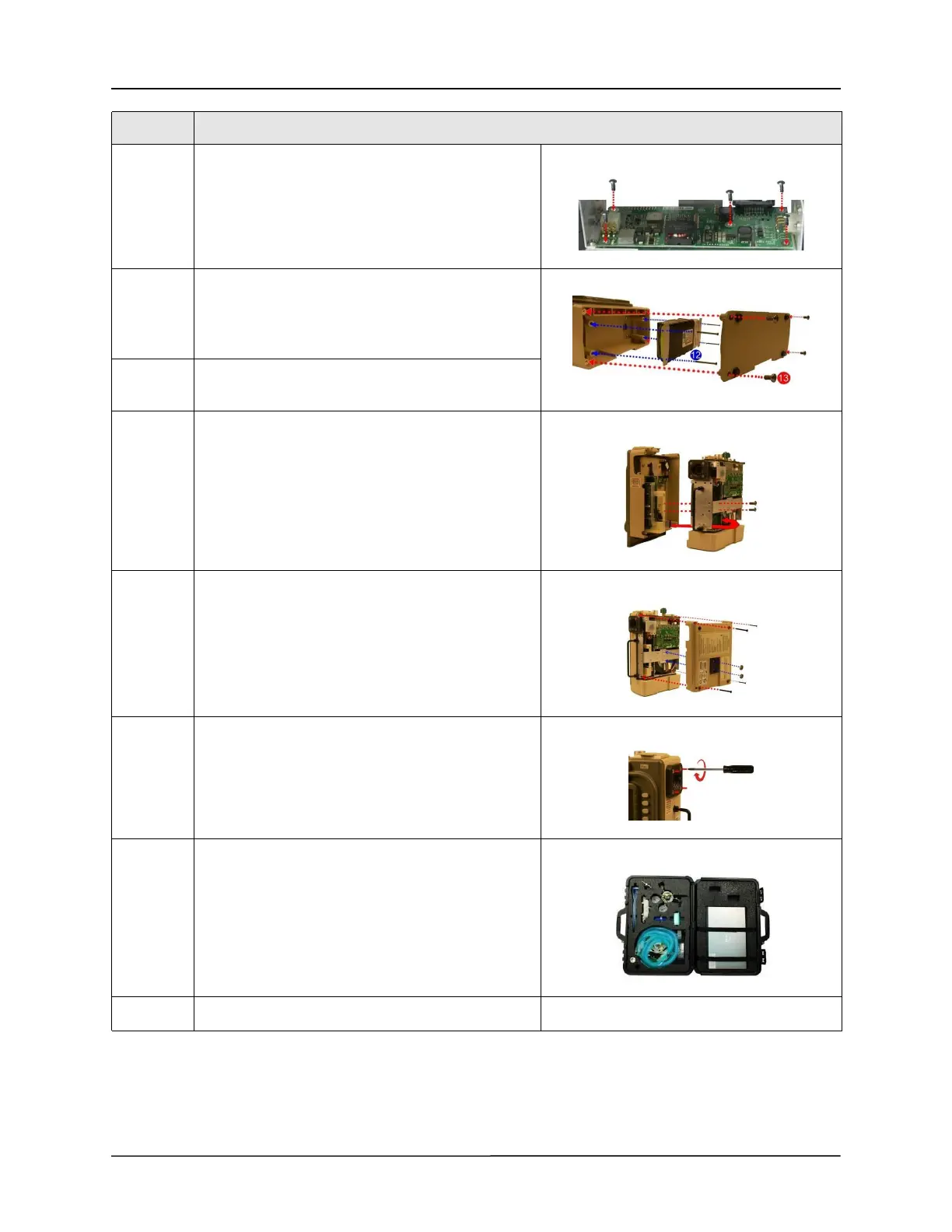
11 Secure the PIM board to the new SPM with the five
4-40 x 1/4 screws. Caution: Do not over-tighten the
screws.
(Maximum torque - 3.5 in.- lb.)
12 Re-assemble the battery by connecting its cable to
the connector (pull lightly on the cable to ensure it is
locked in place) then tighten the four 6-32 x 2 1/4
screws.
13 Re-assemble the battery compartment cover by
tightening the four 6-32 x 5/16 screws.
14 Place the front case assembly over the ventilator
module and tighten the two 4-40 x 1/4 screws to the
dovetail mounting bracket.
Reconnect the ribbon cable unto the PIM board.
Make sure the two ejector latches are secured.
15 Attach the back case to the ventilator module and
align cover with handle, air intake housing and
dovetail mounting studs.
Insert and tighten the two 10-32 Keps nuts (provided
in the kit) and the four 6-32 x 2” screws.
16 Tighten the four 8-32 x 3 screws on the outer air
intake.
17 Use the RCS "Write" function to update the new
part's serial number.
18 Re-certify the ventilator using the RCS tool
Step Action



 To Next Page