Service Kit Installation Procedures
906-0731-04-01 Rev. C ZOLL Ventilator Service Manual 4–61
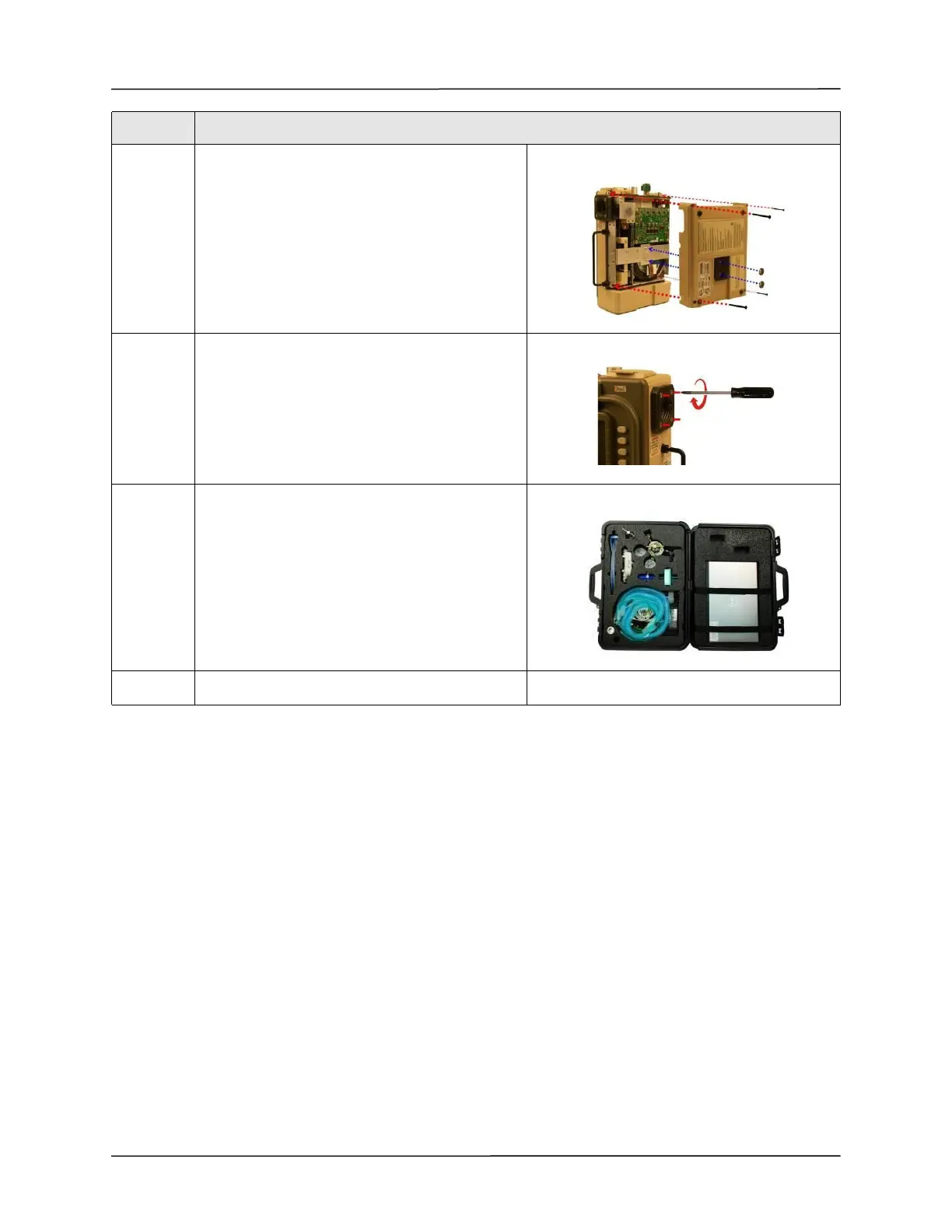
16 Attach the back case to the ventilator module and
align cover with the handle, the air intake housing,
and the dovetail mounting studs.
Insert and tighten the four 6-32 x 2” screws and
then the two 10-32 Keps nuts.
17 Tighten the four 8-32 x 3 screws on the outer air
intake.
18 Use the RCS "Write" function to update all serial
numbers on the "Front Case" fields, and the PIM
board's serial number on the respective field.
19 Re-certify the ventilator using the RCS tool.
Step Action



 To Next Page