Service Kit Installation Procedures
4–38 www.zoll.com 906-0731-04-01 Rev. C
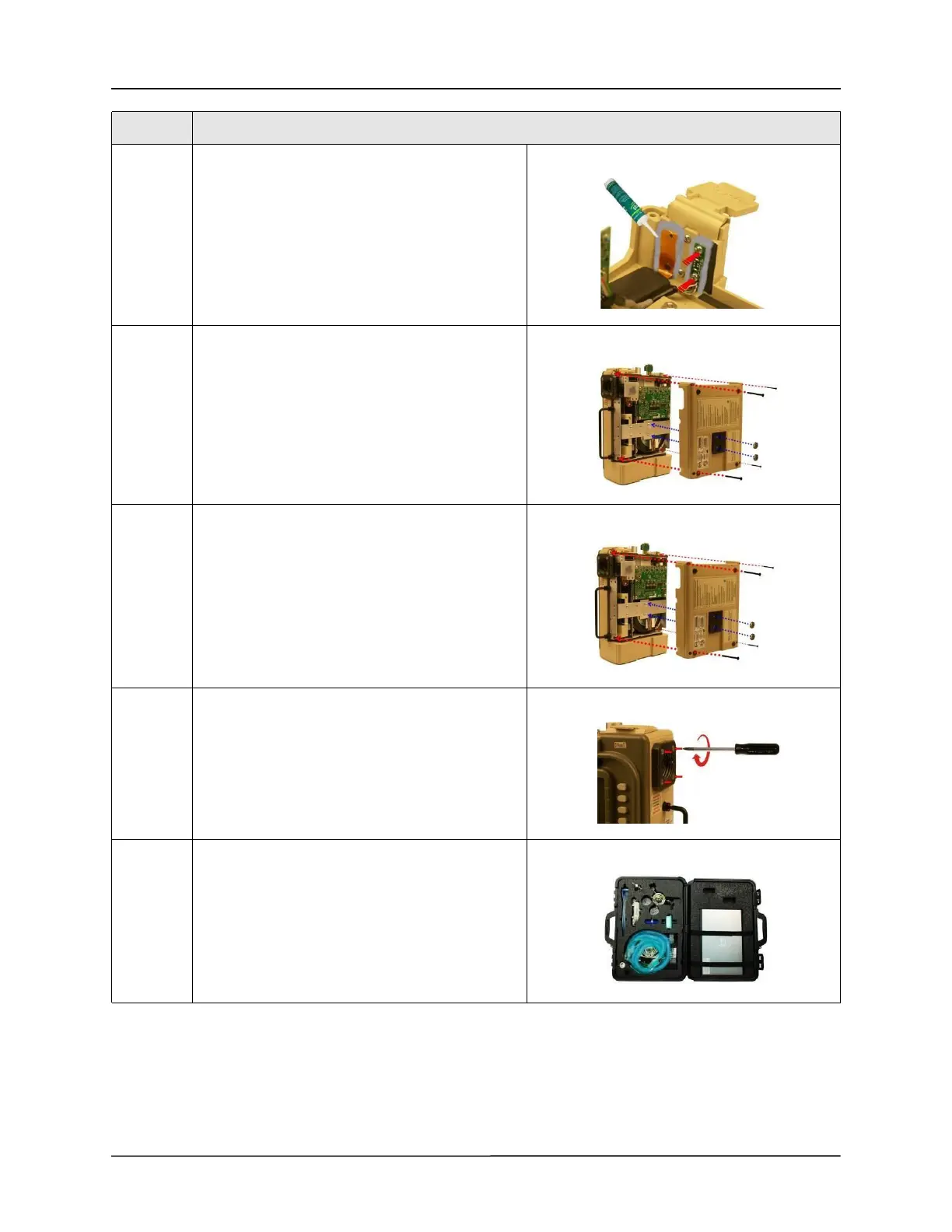
14 Remove any excess RTV sealant from the SpO
2
flex
cable and USB board.
Tighten the two 4-40 x 3/16 screws holding the USB
board to the front case.
Apply RTV sealant to USB board and SpO
2
flex
cable. Allow to dry/cure.
15 Place the front case assembly over the ventilator
module and tighten the two 4-40 x 1/4 screws to
the dovetail mounting bracket.
Reconnect the ribbon cable to the PIM board.
Make sure the two ejector latches are secured.
16 Attach the back case to the ventilator module and
align cover with handle, air intake housing and
dovetail mounting studs.
Insert and tighten the four 6-32 x 2” screws and
then the two 10-32 Keps nuts.
17 Tighten the four 8-32 x 3 screws on the outer air
intake.
18 Perform PM processPM process testing then re-
certify the ventilator using the RCS
Step Action



 To Next Page