Take and folder operations
Writing sound reports (Create Sound Report)
73
F8n Multi Track Field Recorder
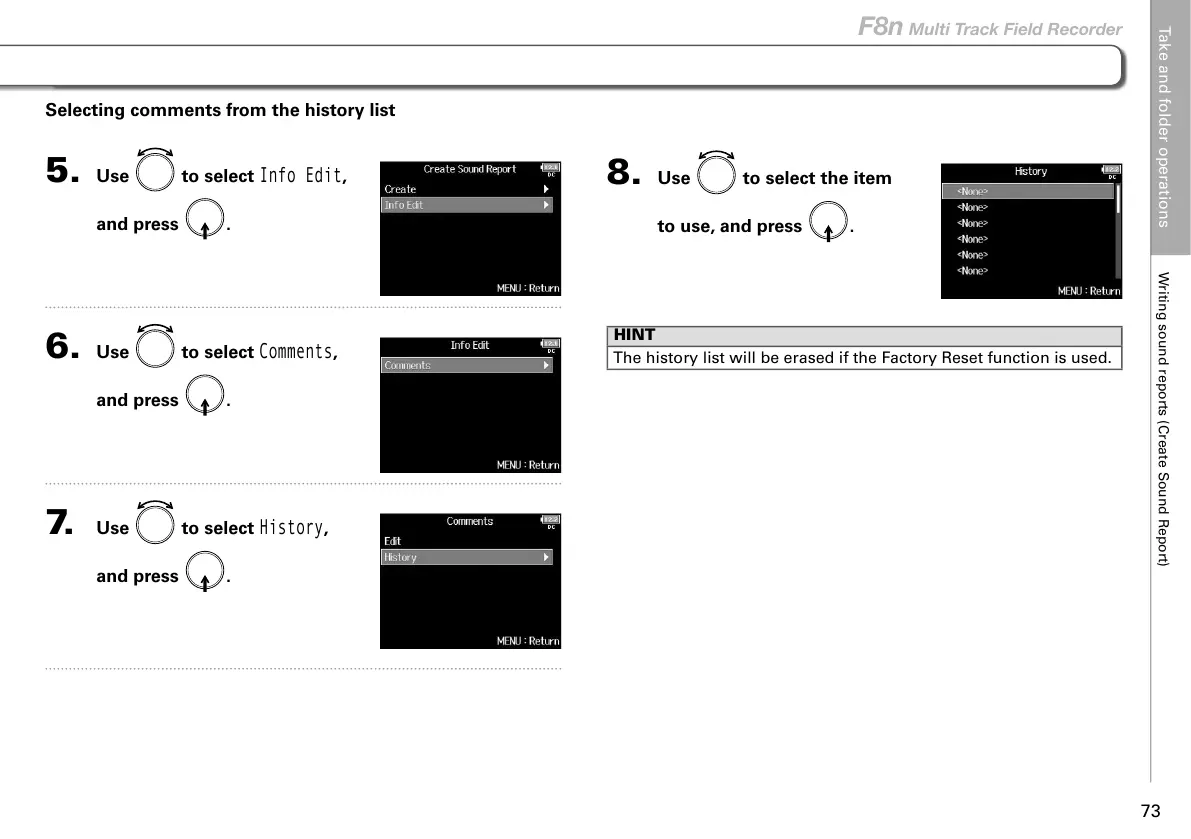
8. Use to select the item
to use, and press
.
HINT
The history list will be erased if the Factory Reset function is used.
Selecting comments from the history list
5. Use to select
Info Edit
,
and press
.
6. Use to select
Comments
,
and press
.
7. Use to select
History
,
and press
.



 To Next Page