47
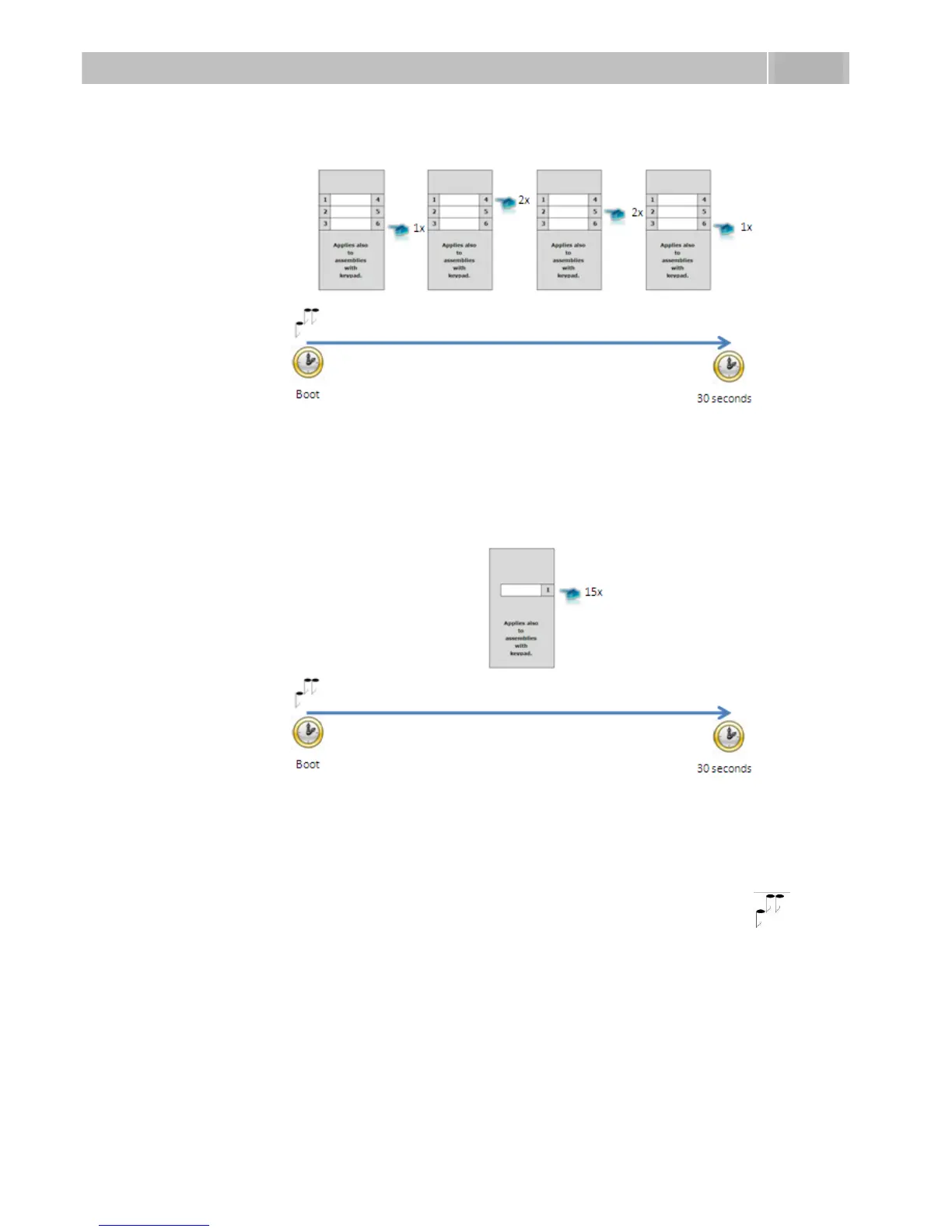
Figure 3.8 Switching on Web Server Using Quick Dialling Buttons (Part Nos. 9137160E, 9137160CE,
9137160CKE, 9137161E, 9137161CE, 9137161CKE)
Figure 3.9 Switching Web Server Using Quick Dialling Buttons (Part Nos. 9137110E, 9137110CE,
9137110CKE, 9137111E, 9137111CE, 9137111CKE)
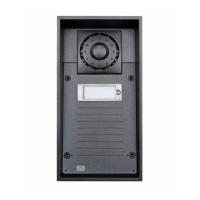
For one-button 2N
®
Helios IP modules (Part Nos. 9137110E, 9137110CE,
9137110CKE, 9137111E, 9137111CE, 9137111CKE), pushing key 1 fifteen times
within 30 seconds after the internal application launch as signalled by the tone
sequence results in turning on of the web server and switching the network
parameters from the default static IP address to the dynamic address and vice versa.



 To Next Page