82
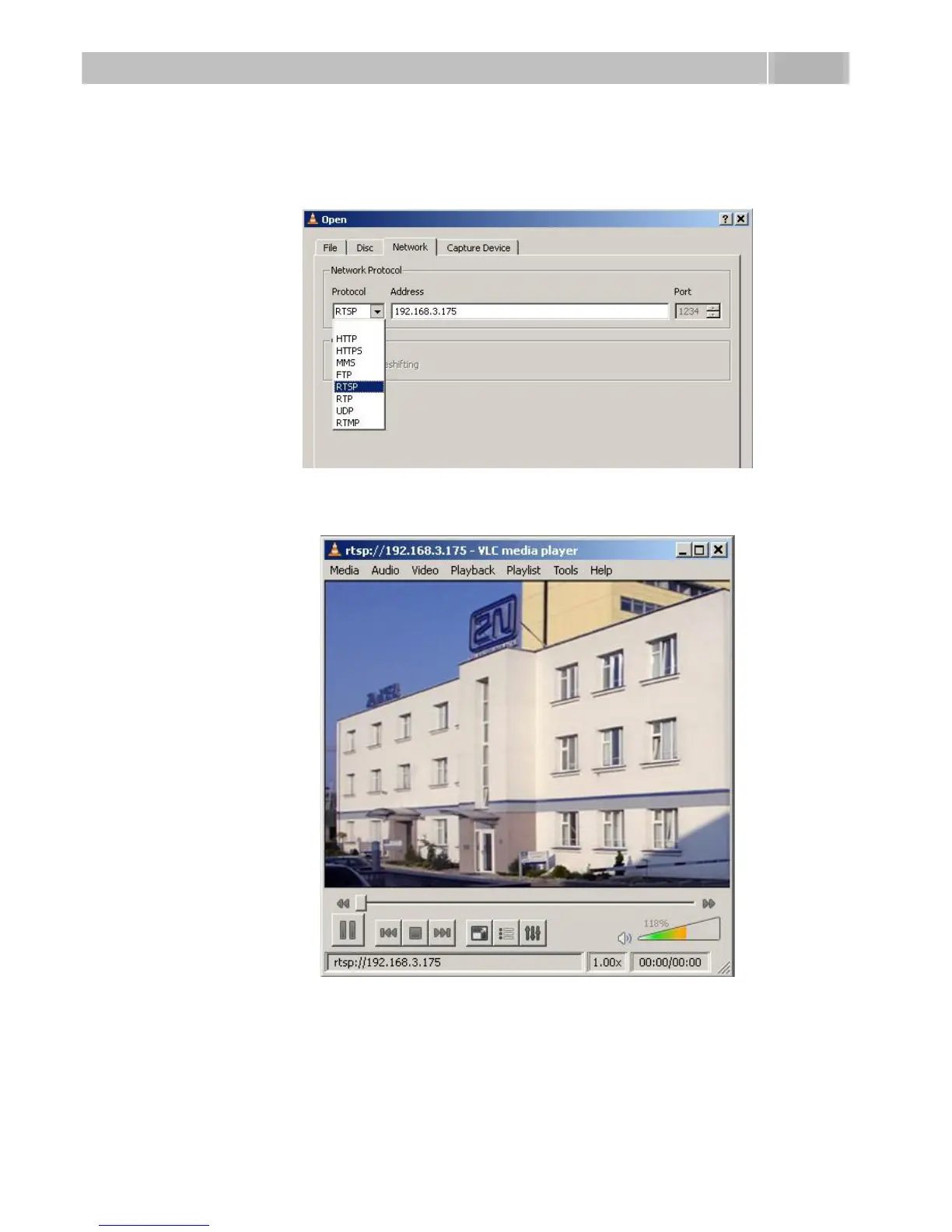
4. In the network card select the RTSP protocol and insert the IP address of the
2N
®
Helios IP device that is sending the video streaming (192.168.3.175 in
this case).
Figure 3.29 RTSP Stream IP Address Setting
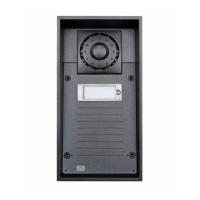
5. After the confirmation button OK is pushed, the video player window will
appear.
Figure 3.30 Streaming Video Receiving
6. Push the STOP button to stop receiving the video signal.
7. Open a window of the playlist, Playlist –> Show playlist.



 To Next Page