84
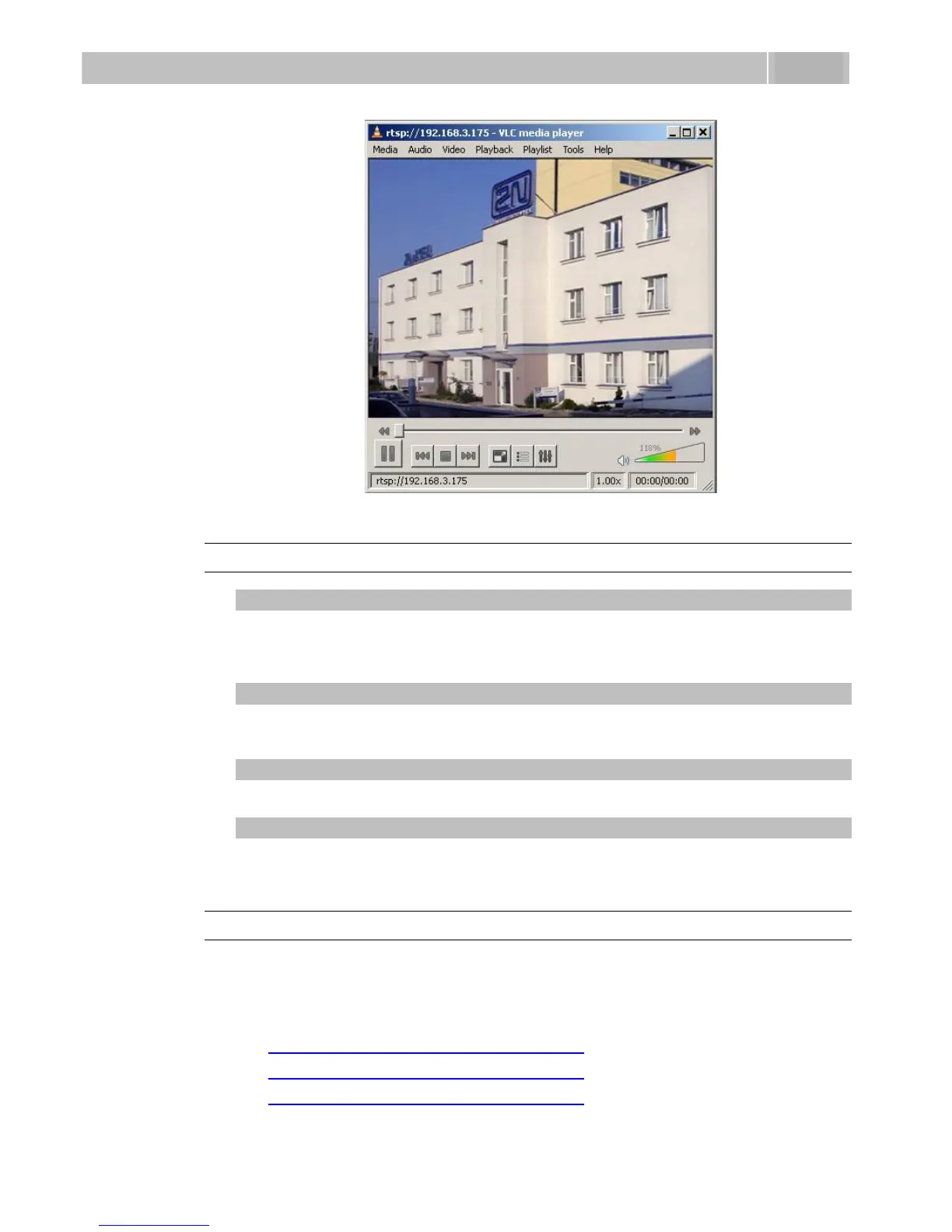
Figure 3.34 Streaming Video Receiving
JPEG Video Setting
Anonymous access
You can download a JPEG video from any IP address without authentication.
Otherwise, the video is only accessible after login or during a call if the Call
activation is enabled.
Call activation
Set whether the JPEG video is available to the terminal upon the call beginning.
The function must be supported by the terminal (Snom 820/870, e.g.).
Frame rate
Set the transmission rate to be offered to the end terminal.
JPEG quality
Set the JPEG image quality. The recommended value is 85. The parameter affects
the image size and quality.
JPEG Video Use
The JPEG video can be used for any application that is capable of downloading
JPEG images from 2N
®
Helios IP web interface.
To load an image from a camera enter any of the links below in your web
browser:
http://helios_ip_address/enu/camera160x120.jpg
http://helios_ip_address/enu/camera320x240.jpg
http://helios_ip_address/enu/camera352x272.jpg



 To Next Page