Reloading the Firmware
165
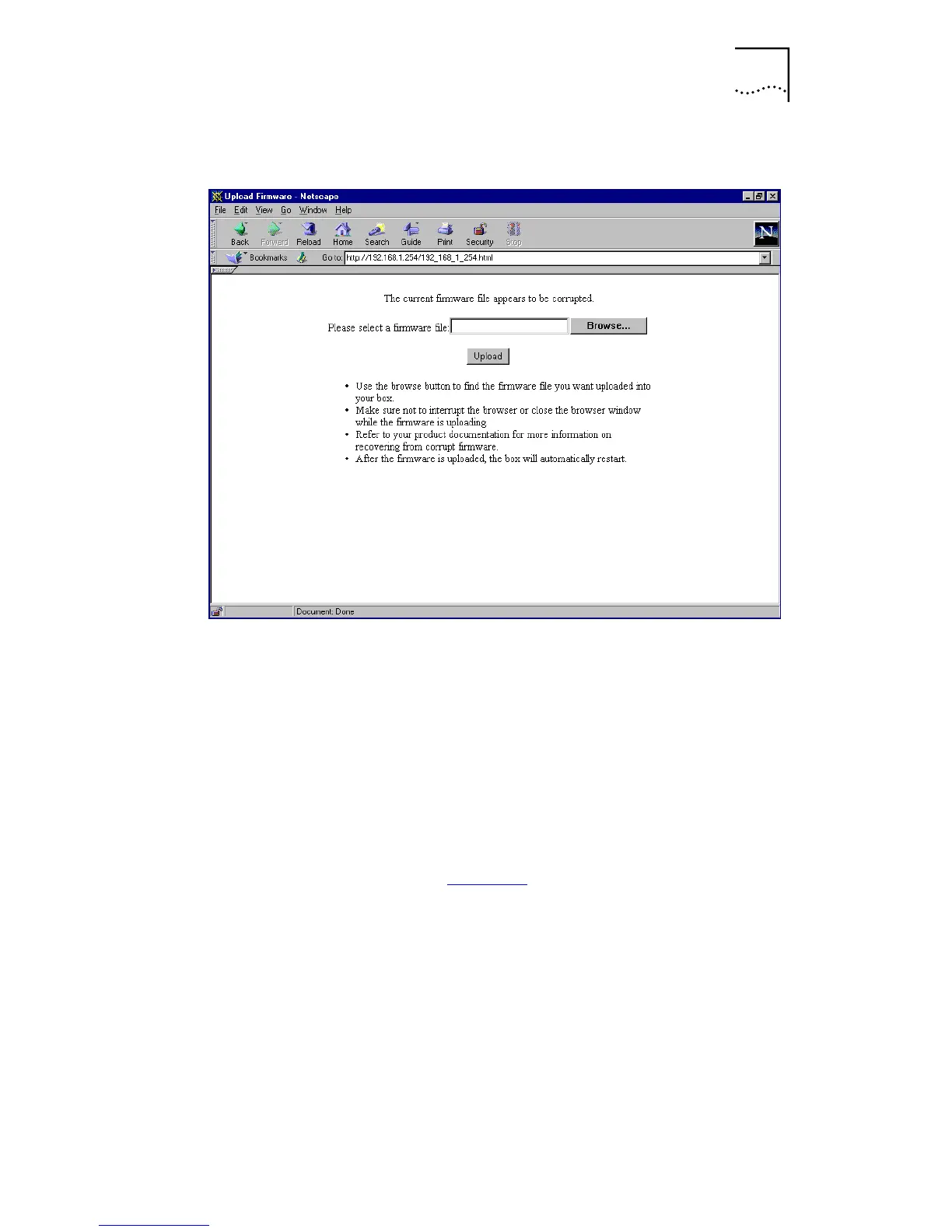
Figure 53
Firmware Upload Window
Make sure that you are using the browser that supports
HTML uploads, otherwise you cannot upload the firmware.
2
In the box labeled
Please select a firmware file
, type in the
full file and path name of the firmware image that you
want to upload to the unit. Use the
Browse
button to
locate the file if you are not sure of its location.
3
Once you have located the file, click
Upload
to upload the
firmware. This process takes approximately one minute.
Once complete, the firewall restarts automatically, and the
message shown in Figure 54
is displayed.



 To Next Page