166
A
PPENDIX
G: R
ESETTING
THE
I
NTERNET
F
IREWALL
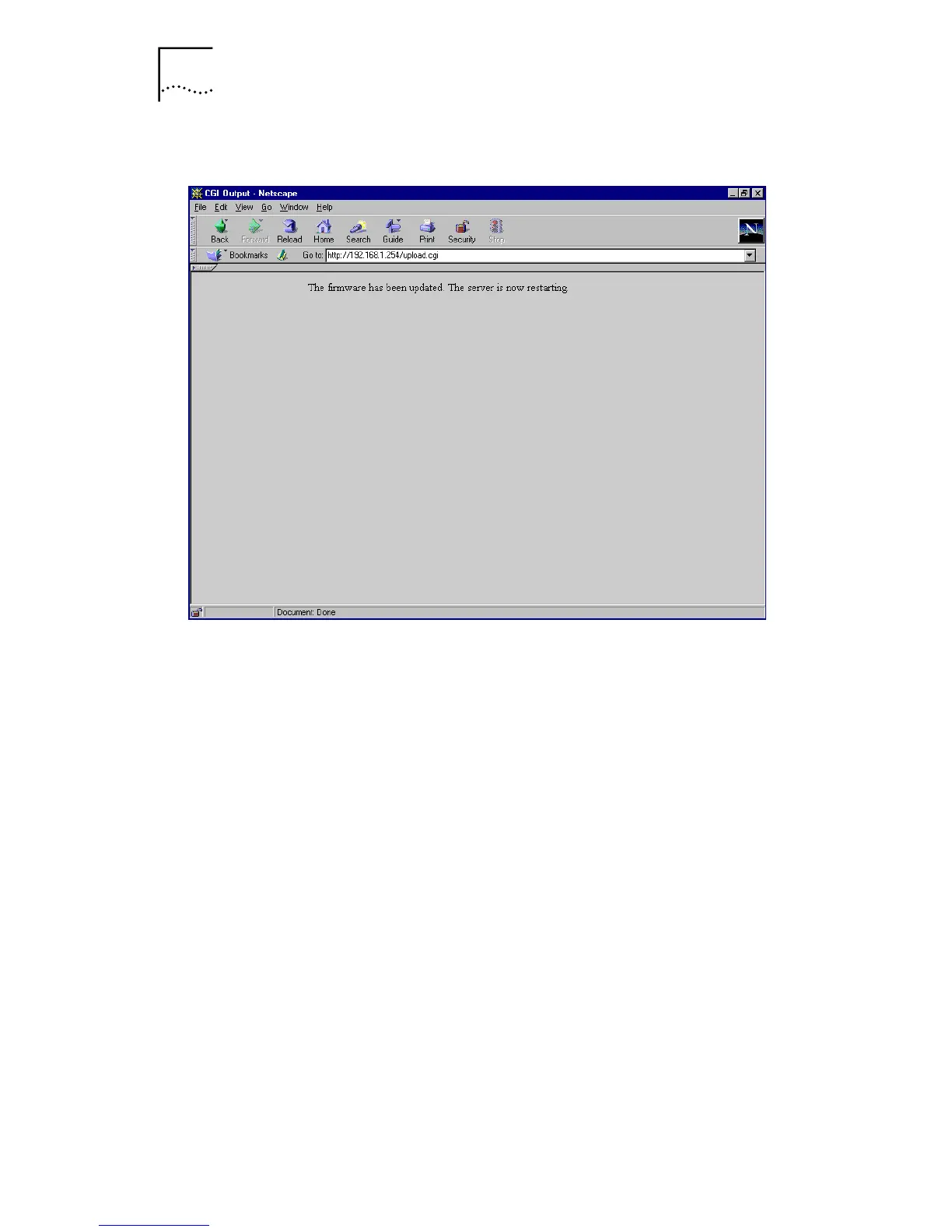
Figure 54
Firmware Upload Complete
The self-test cycle should now complete successfully. If the
entire process has been successful, the power LED should
light up and remain on after 90 seconds, and the Alert LED
should remain off. You can now access the firmware at the
default IP address of 192.168.1.254. The default user name
is
admin
, and the default password is
password
.
Once you have logged into the management interface, you
may upload your saved settings file, as described in “Saving
and Restoring Configuration Settings” on page 93. Note
that the administrator password is not uploaded, and is still
password
once the upload is complete. Make sure that
you change this password to increase the security of the
unit.
If you do not have a saved settings file, you must set up the
unit from scratch. See Chapter 3 for a quick start guide,
Chapter 4 for a complete command reference of the user
interface, and Appendix E for example configurations that
illustrate some of your Internet Firewall’s features.



 To Next Page