Setting up the Internet Firewall
41
■
Choose
NAT with PPPoE Client
if you obtain your NAT
Public IP addresses, WAN router address and WAN
and DMZ subnet masks from your DSL operator using
PPPoE. You will need to know your User Name and
Password for the PPPoE server. This information can
be obtained from your ISP.
See “Network Settings”
on page 50 for more information
about the Network Addressing Mode.
4
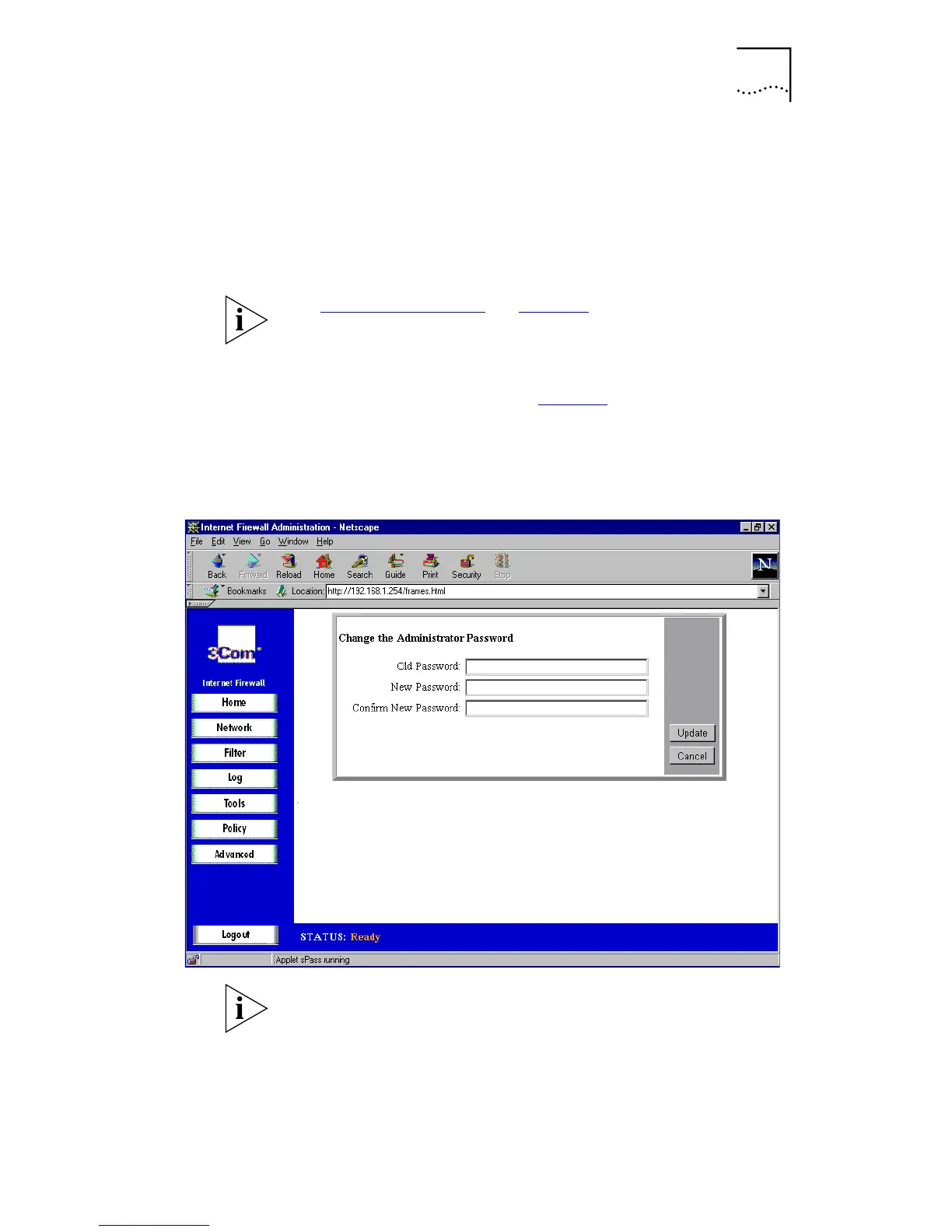
Configure password settings.
a
From the main screen (see Figure 8
), select
Set
Password
. A window similar to the following is
displayed.
Figure 9
Change Administrator Password dialog box
The security of the Internet Firewall depends on the secrecy
of the administrator’s password; it is very important to
change the password from the default.
b
In the
Old Password
box, type the old password.
c
In the
New Password
and
Confirm New Password
boxes,
type the new password.



 To Next Page