42
C
HAPTER
3: Q
UICK
S
ETUP
FOR
THE
I
NTERNET
F
IREWALL
d
Click
Update
to send the configuration data to the
Internet Firewall.
5
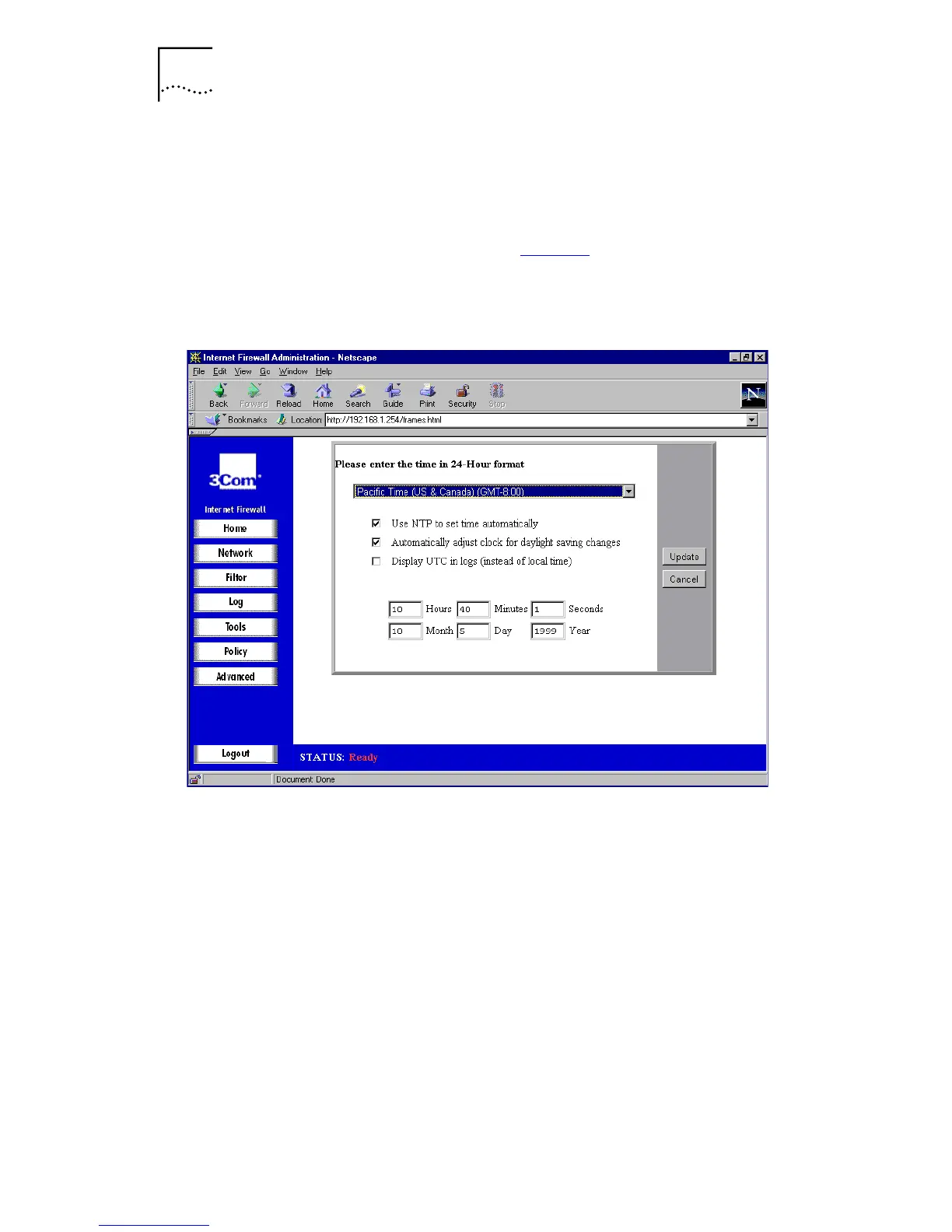
Set the Date and Time.
a
From the main screen (see Figure 8
), select
Set Date &
Time
. A window similar to the following is displayed.
Figure 10
Set Date and Time dialog box
b
Type the time in 24-hour format.
c
Click
Update
to send the configuration data to the
Internet Firewall.
6
Restart the Internet Firewall.
a
Click
Tools
on the left side of the browser window.
b
Select the
Restart
tab.
c
Click
Restart Internet Firewall
.
d
Click
Yes
to confirm the restart.
The Internet Firewall takes approximately 90 seconds to
restart, during which time the Power
LED flashes.



 To Next Page